
StickerGrab
v1.2.1 Beta
Media ScraperWindows64-bit installer macOSUniversal DMG
Windows 10/11 & macOS 12+Standalone tool · Telegram & Discord export
 Orenvo ProLocal-first image work · v5.4 Beta 1 · Windows · Free + Pro
Prepare web-ready images in folders instead of one file at a time, with local compression and explicit output control.
The free edition covers JPG, PNG, and WEBP batches up to 10 files. Pro unlocks the complete workflow.
 Compress assets for publishing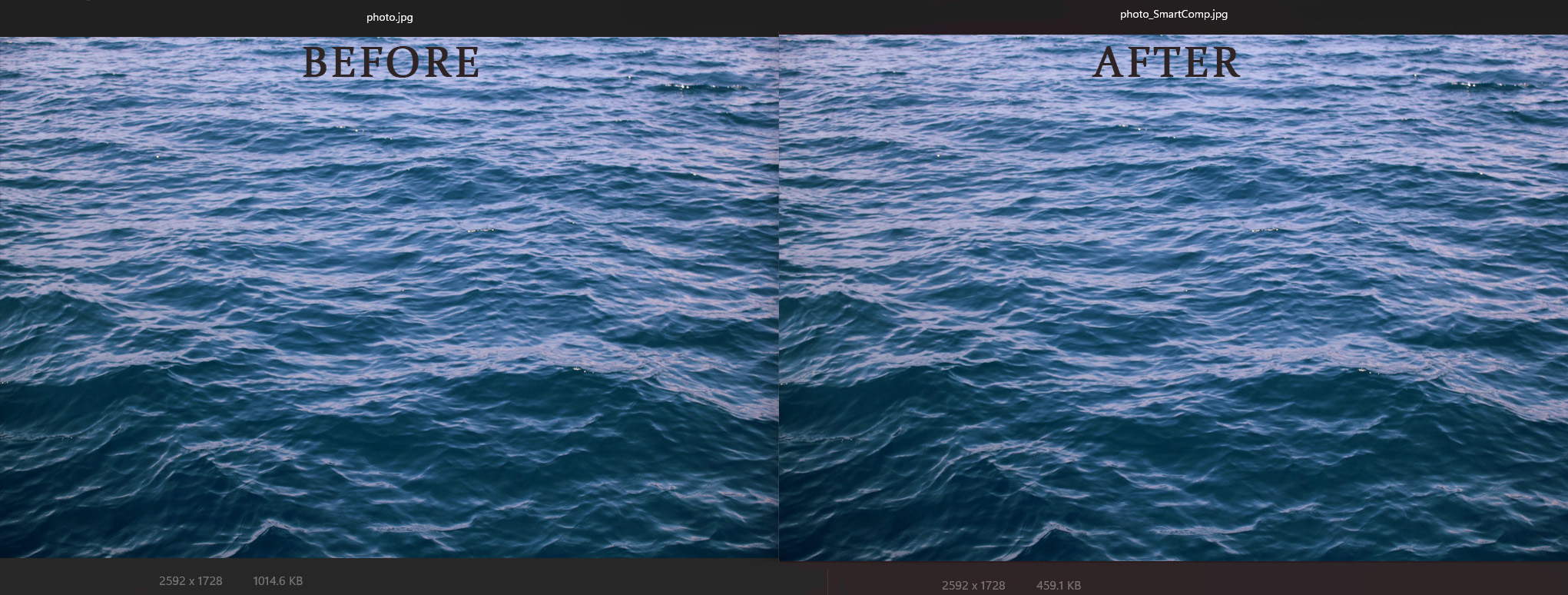
Web optimization
Reduce file size while keeping the publishing workflow controlled.
No browser upload step
Keep supported image workflows on your own machine.
AI included
Background removal and upscaling fit the same desktop workflow.
Why this workflow
Web image work usually happens at the folder level. Local processing keeps the asset set under control while you reduce size and standardize the output.
Operational fit
Orenvo Pro is a local-first Windows app for image work that should stay under your control, from format changes to AI cleanup.
How it works
Choose the files, set the workflow, and run it locally without sending the images anywhere else.
Add the image folder or files.
Choose WEBP, JPG, or another output target.
Set resize, compression, and naming options.
Export the optimized set into the folder you choose.
Inside the real app
Smart Compression provides a visual comparison and a saved-output summary inside Orenvo Pro.
Compare
Use the image preview while choosing a publishing-oriented compression setup.
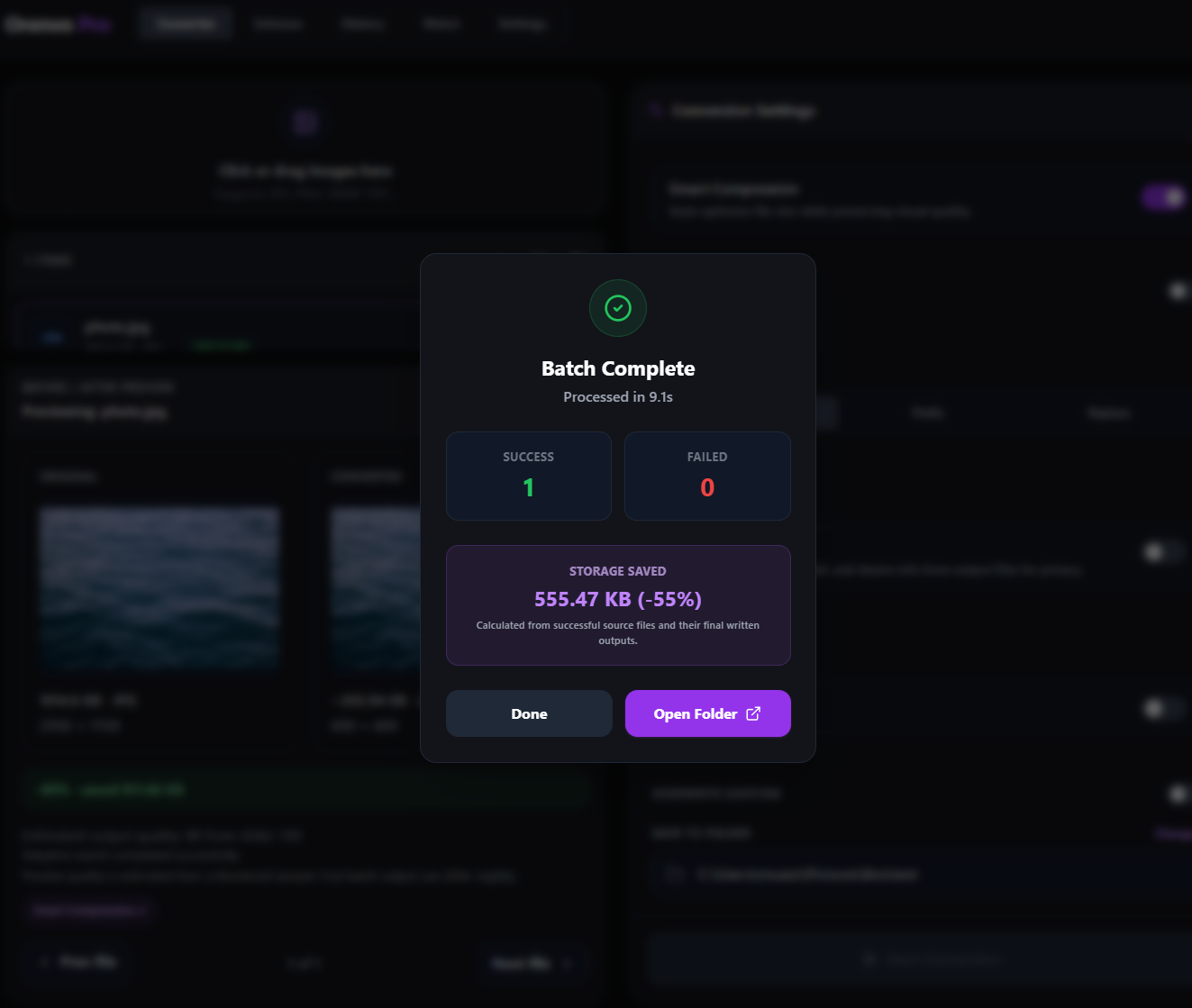
Saved output
Review the completed file after the local compression job finishes.
Local workflow comparison
A factual comparison of the handoff required for this job.
Online handoff
Installed workflow
Source files
Upload working files to a web service.
Open files and folders directly from the PC.
Processing
Wait for the remote browser job.
Run the supported workflow locally after setup.
Repeat work
Repeat the handoff for the next batch.
Reuse batch rules, history, Watch Mode, or Explorer actions.
Output
Download results through the browser.
Write results to the output folder you choose.
Orenvo Pro still uses network access for license checks, updates, support, and first-time AI model downloads. Online services vary by provider.
Why Orenvo Pro
Folder-based conversion for larger asset sets
Smart compression in the same workflow
Explicit output routing for clean publishing handoff
No browser upload step for client or internal assets
Privacy and control
Orenvo Pro keeps the image set on your machine, which is useful for internal previews, pre-release campaigns, and client content.
Supported image processing runs locally on your Windows PC.
AI models download once, then run locally after setup.
License checks, updates, model downloads, and support/reporting features may use network access.
FAQ
Yes. Orenvo Pro handles folders, output rules, and repeat conversion workflows locally on Windows.
Supported conversion workflows run locally on your Windows PC, so there is no browser upload step for normal conversion jobs.
Orenvo Pro · Compress Images for Web
Download free to try the core workflow on Windows. Upgrade to Pro when batch controls, Background Removal, Upscaling, automation, and explicit output folders save real time.

