
StickerGrab
v1.2.0-beta.1
 StickerGrabv1.2 Beta · Windows & macOS
Save selected TikTok DM stickers and GIFs, create your own, then find them by name or tag before building a ZIP, Telegram, or Discord pack.
StickerGrab v1.2 Beta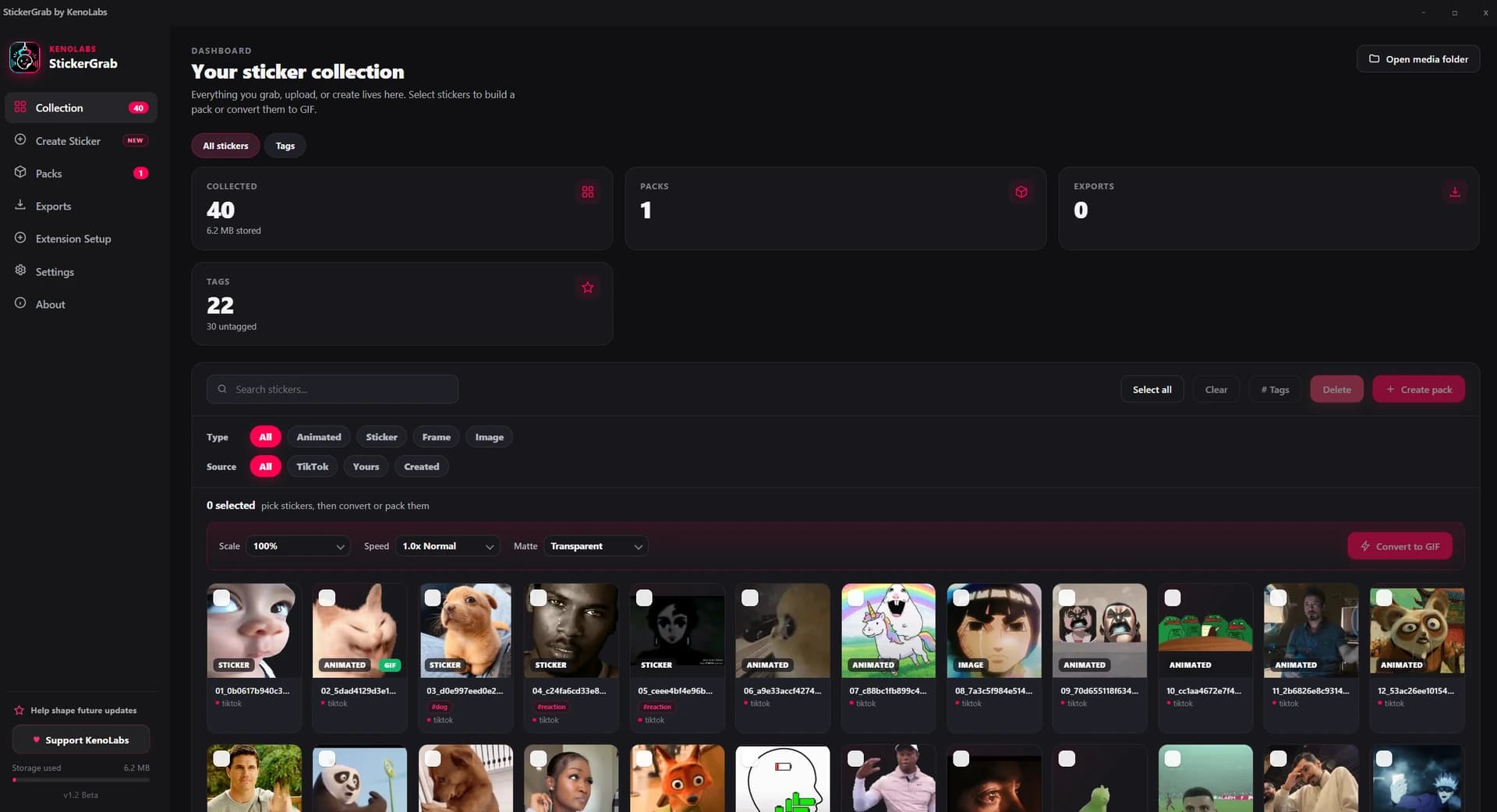
Export selected pack
Collections, packs, drafts, and converted files stay on your computer.
The desktop workflow does not require a KenoLabs login.
Telegram or Discord is contacted only when you connect or send.
Windows x64 and universal macOS beta downloads.
Workflow
Source
Select the original media already loaded in the conversation.
Local workspace
Organize, create, convert, and assemble the pack on your device.
Destinations
Send only when you connect a bot and choose the destination.
Select media from an open TikTok DM or start from a local file, clipboard image, or supported link.
Search the local collection and group saved items into named folders.
Choose stickers, set the order, and prepare a reusable pack.
Keep a ZIP or explicitly send through your own Telegram or Discord bot.
What it does
The desktop app and browser extension cover capture, creation, collection management, and delivery.
Make a static frame or an animation up to three seconds, with visual trimming, mouse crop and zoom, speed, reverse, boomerang, outline, text, emoji, icons, image layers, and output-quality controls.
The extension reads stickers already loaded in the open DM thread and exports the selected original files.
Give stickers names and tags, search by either, or browse the Tags view. Filter by source and media type to narrow the collection.
Group favorites into packs before sending them to a service or exporting them locally.
Convert locally with scale, playback speed, and background matte controls, including a Discord-dark matte.
Send static or animated packs through your own bot and receive a shareable addstickers link.
Post a selected pack to a channel in your own server through the bot you connect.
Keep a portable local copy without connecting Telegram or Discord.
TikTok
Selected DM source media
WebP
Original sticker format
PNG
Transparent static output
GIF
Animated sticker output
Telegram
Optional bot delivery
Discord + ZIP
Channel or local archive
Inside the app
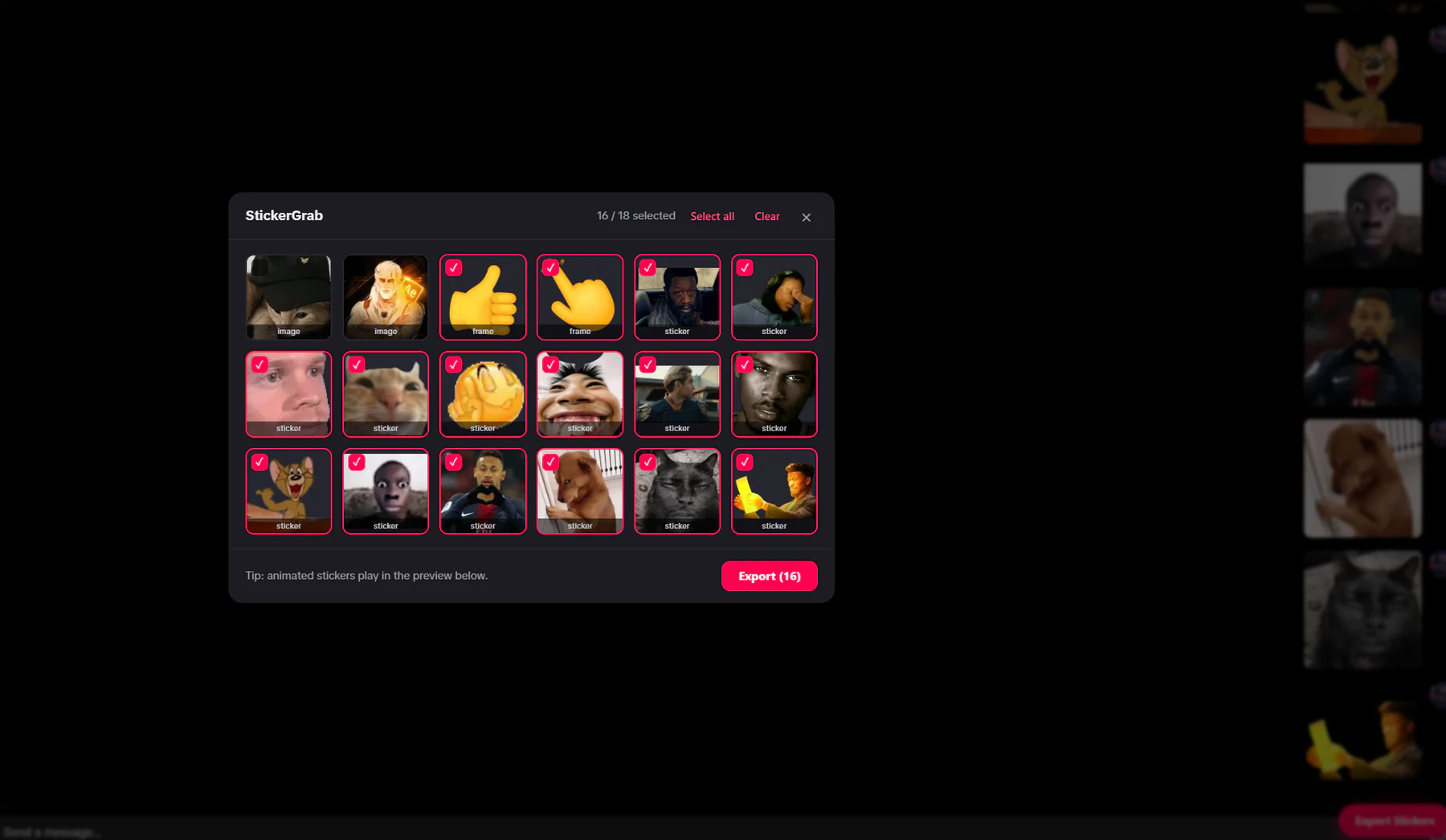
Capture
Select original stickers and GIFs already loaded in the open thread.
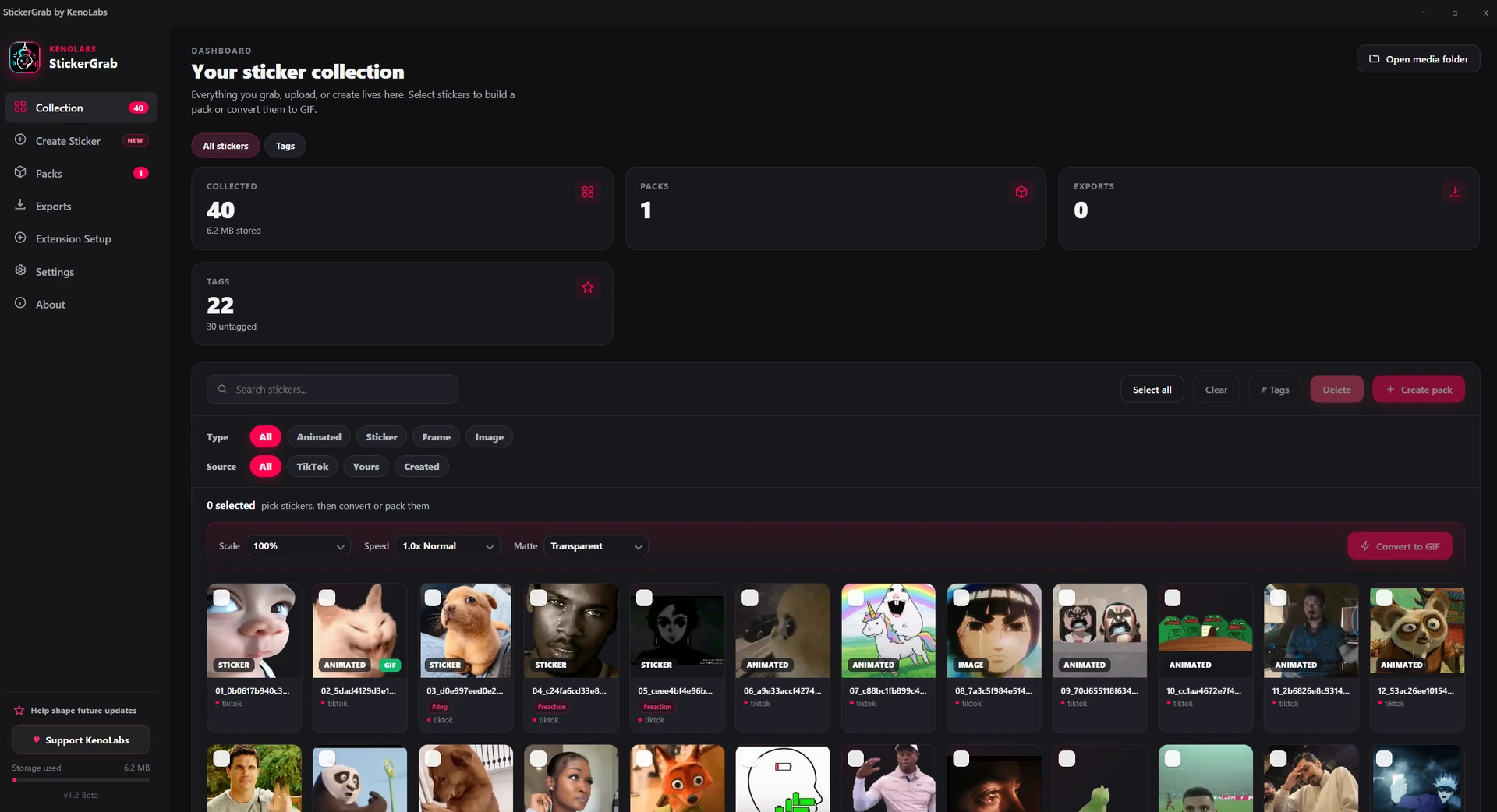
Organize
Search what you remember, browse tags, or narrow the local Collection by type and source.
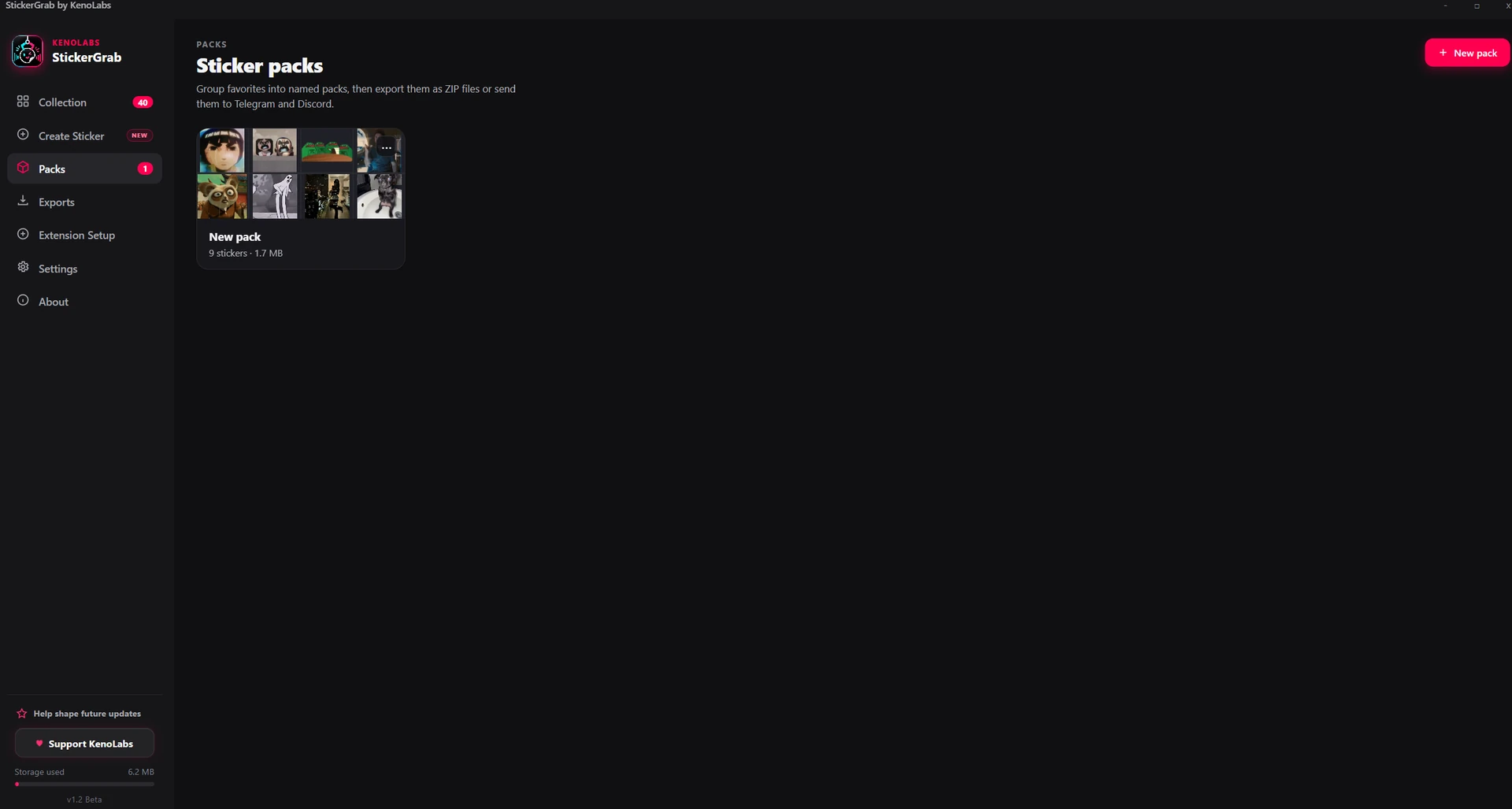
Pack
Build named packs from your local collection.
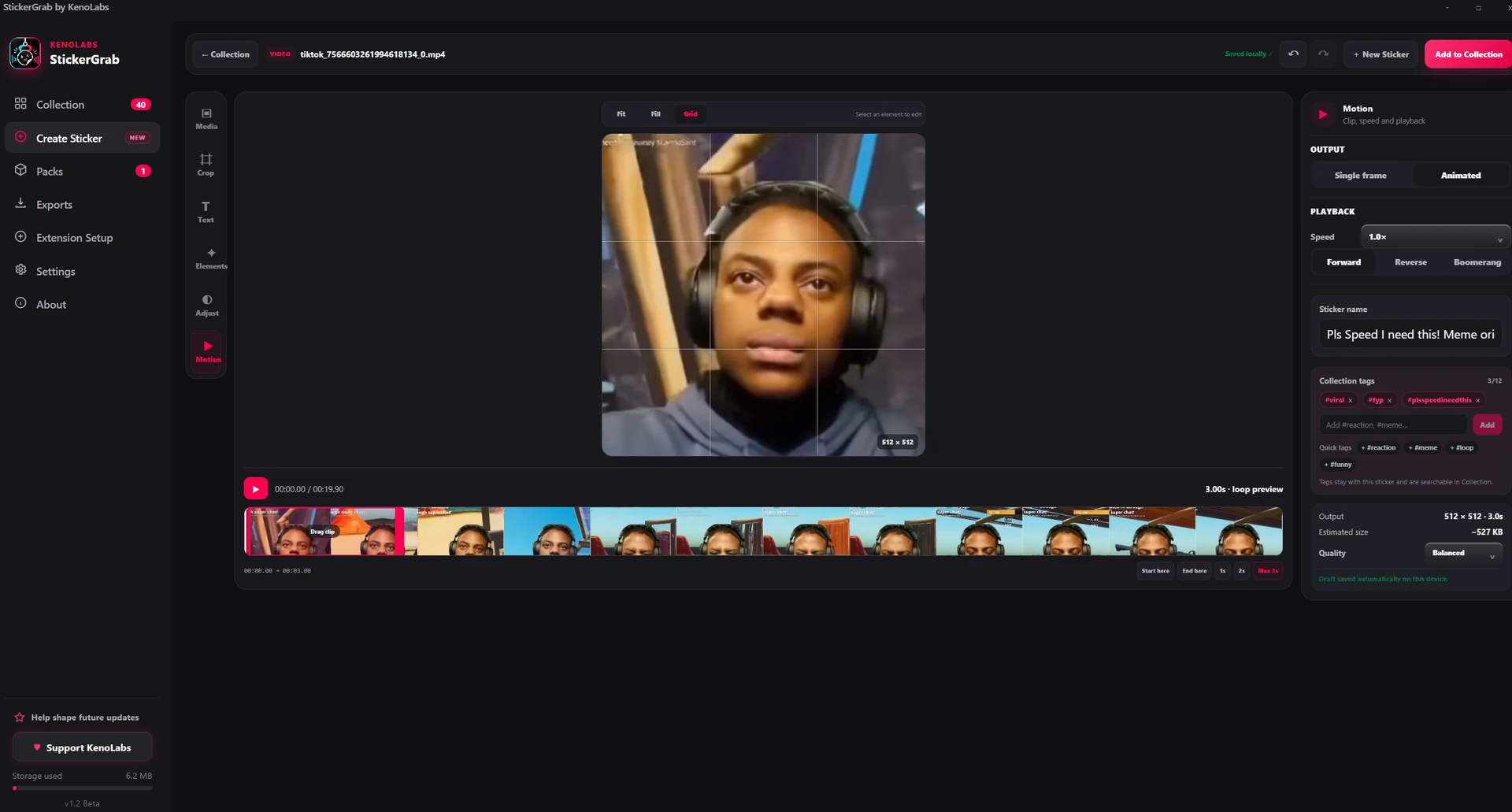
Create
Keep, change, or remove a suggested name and tags before saving the sticker.
Optional destinations
StickerGrab only contacts either service when you connect a bot or explicitly send a pack.
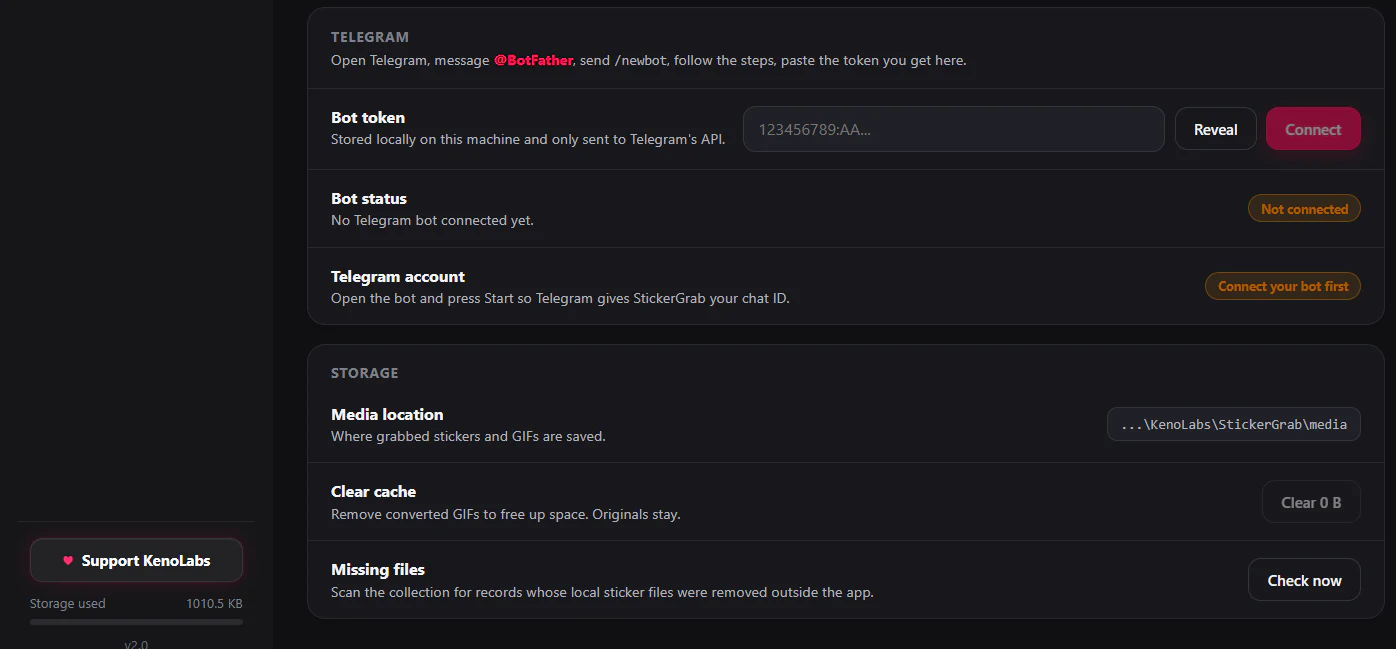
Telegram
The token is stored locally and used only for the Telegram action you request.
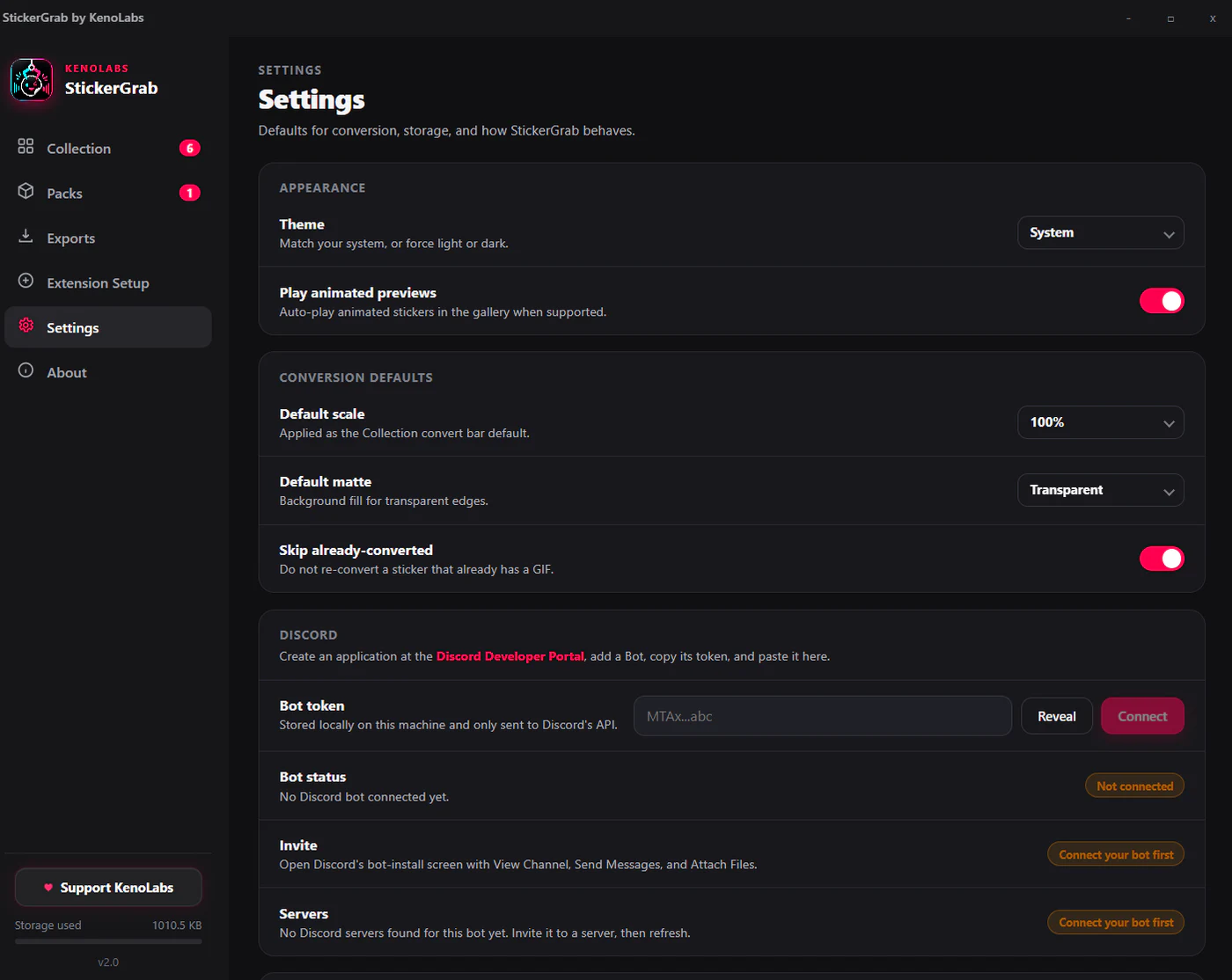
Discord
Connect your bot, choose a server and channel, then send selected items as attachments.
Downloads
Choose the desktop build for your system. The browser extension works alongside the installed app.
Windows
Windows 10 or 11 · x64 desktop installer
StickerGrab v1.2 Beta
Download for WindowsmacOS
Universal beta build for Apple Silicon and Intel
StickerGrab v1.2 Beta
Download for macOSSetup
Choose the Windows x64 installer or universal macOS DMG.
Choose a detected browser or manually select a compatible portable Chromium build.
Load the conversation and select the sticker media you want to keep.
Organize, create, convert, pack, and export from the desktop app.
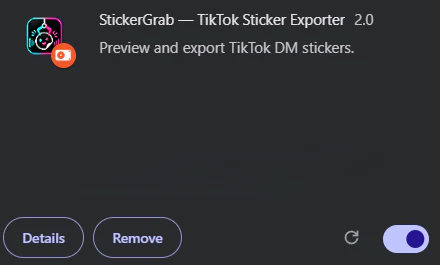
Browser extension
Use the lightweight extension with the installed desktop companion in a supported Chromium browser.
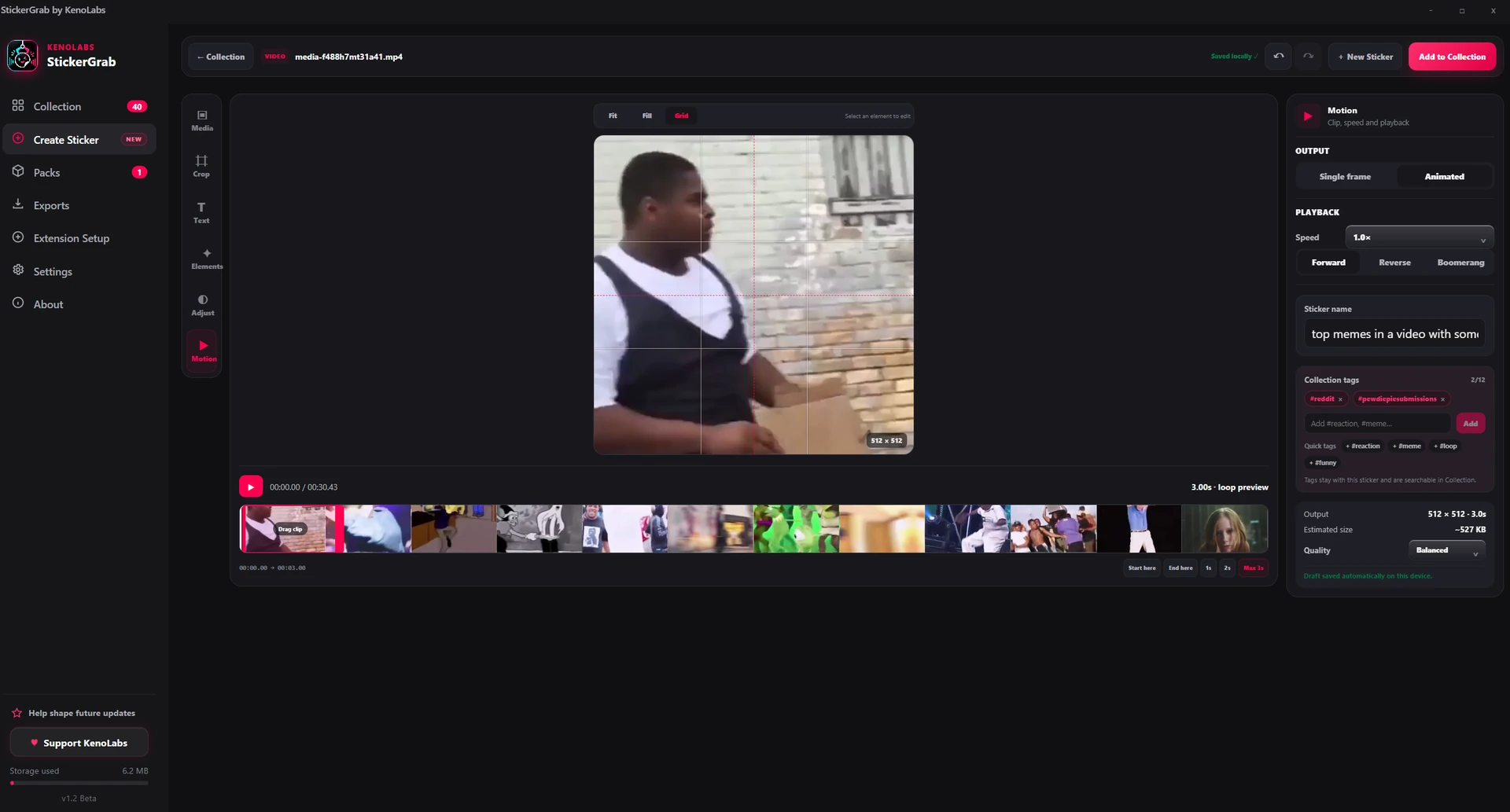
Create Sticker
Preview the loop, edit Reddit suggestions when available, and save searchable details with the sticker.
Use cases
Keep favorite reactions and DM stickers in a searchable local collection.
Turn your own images or short clips into static or animated sticker assets.
Prepare a pack locally, then create a set through your own bot.
Convert transparent stickers when needed and post selected items as attachments.
Requirements
Windows x64 setup · StickerGrab_1.2.0_x64-setup.exe · Beta download
Universal macOS DMG · StickerGrab_1.2.0_universal.dmg · Beta download
Chrome, Brave, Edge, Opera, Vivaldi · Manual portable Chromium setup · Manifest V3 required; Firefox not supported
You choose stickers and GIFs that are already loaded in an open TikTok DM conversation. StickerGrab saves the selected original media files to the local desktop Collection.
No. Your collection, packs, drafts, settings, and converted files stay on your computer unless you explicitly export something to Telegram or Discord.
Yes. Create Sticker accepts local images and videos, clipboard images and screenshots, direct media links, and many public media pages. You can create one frame or an animation up to three seconds.
No. Private, login-only, protected, region-restricted, removed, or newly changed websites may not work. A local file or direct media URL is the most reliable fallback.
Background removal is not built in. Create Sticker can open Orenvo, a separate KenoLabs app, but you must save the transparent result and import it back into StickerGrab yourself.
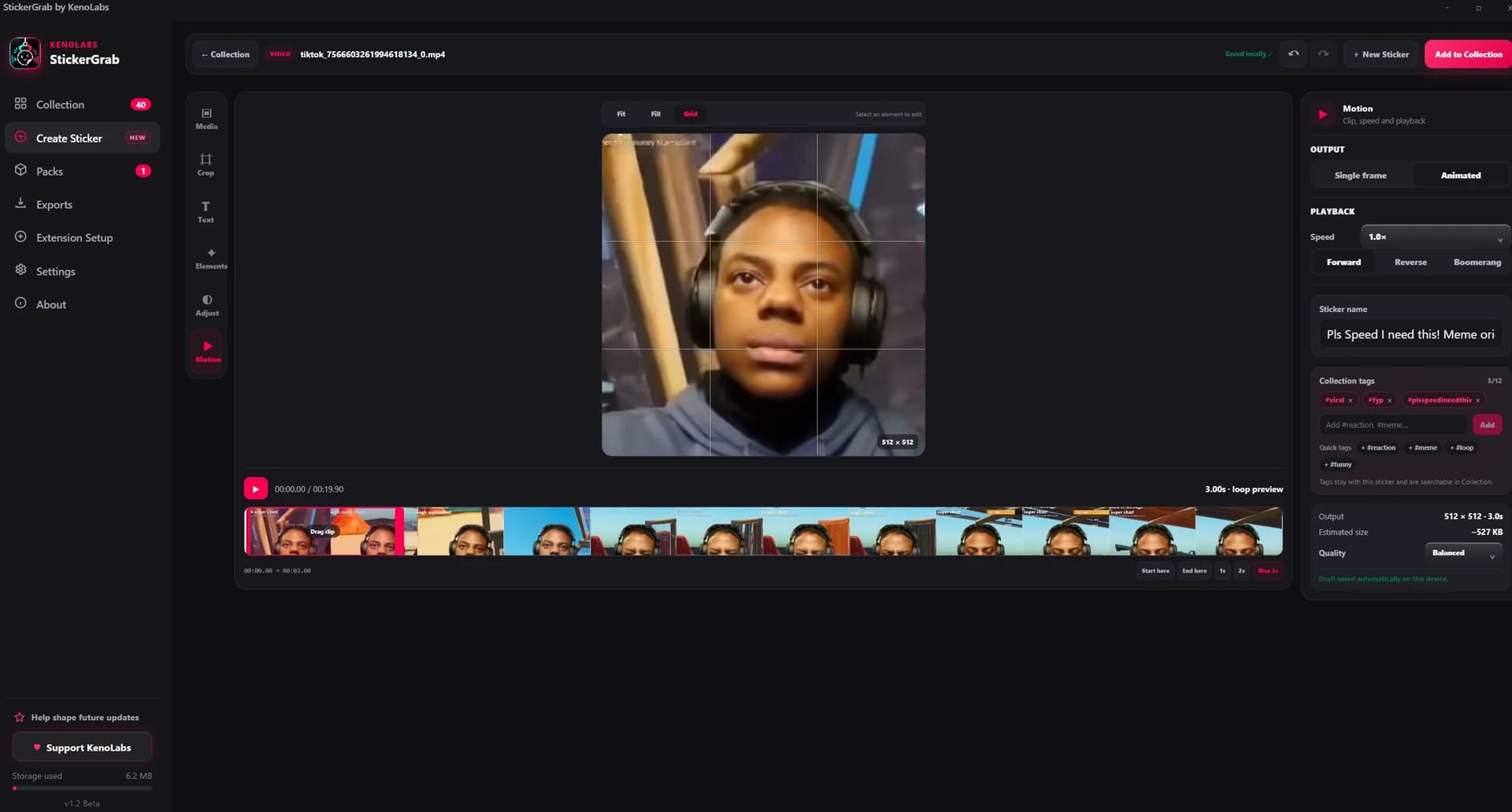 Improved
Latest update
September 11, 2026

