
StickerGrab
v1.2.0-beta.1
 Orenvo PDFMixed-image PDF builder · v1.0.2 · Windows · macOS · Android
Turn a mixed folder of JPG, PNG, and WebP files into one PDF so the whole set moves as a document.
Use Orenvo PDF when document cleanup is recurring work and you want the controls in one installed app.
 Build a PDF from a folder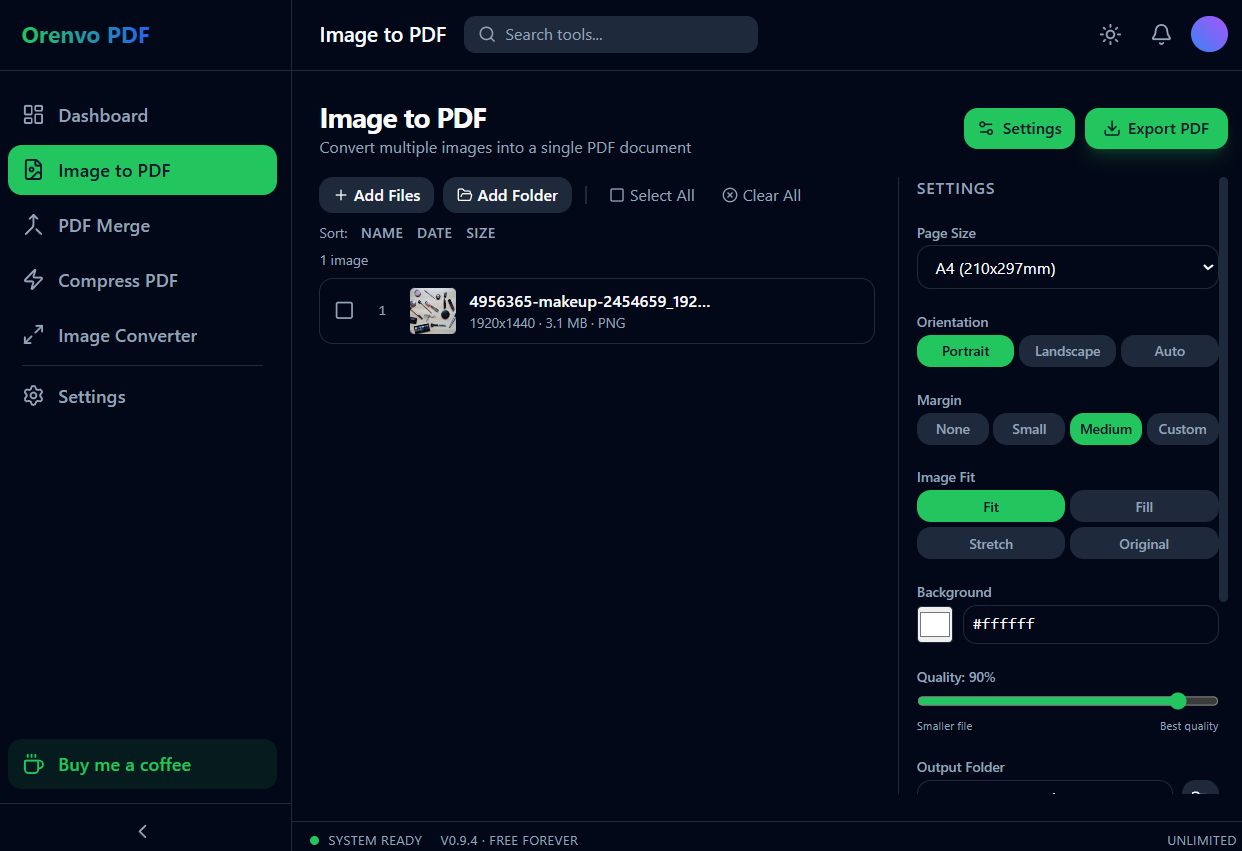
Image to PDF
Turn an image folder into one ordered document.
One place
Handle the common PDF cleanup jobs without hopping between web utilities.
No limits
Every tool is free and unlimited, with no watermarks and no Pro tier.
Why this workflow
Photo folders and scan folders become messy fast: formats vary, filenames sort oddly, and reviewers get a pile of attachments. Orenvo PDF lets you normalize the handoff by arranging supported images into a single PDF.
Workflow fit
Orenvo PDF is positioned around the practical jobs that interrupt normal work: combine files, shrink large PDFs, make image sets shareable, and convert supported image formats.
How it works
Choose the tool, add your files, adjust the output, and save the finished file locally.
Add JPG, PNG, and WebP files from the folder you want to package.
Move pages into the sequence that makes sense for review.
Pick page sizing and destination folder.
Export one PDF instead of sending a stack of images.
Inside the real app
The real Image to PDF workspace exposes the decisions that affect every page of the output.
Image to PDF
Set page size, orientation, margins, image fit, background, quality, and output folder.
Android
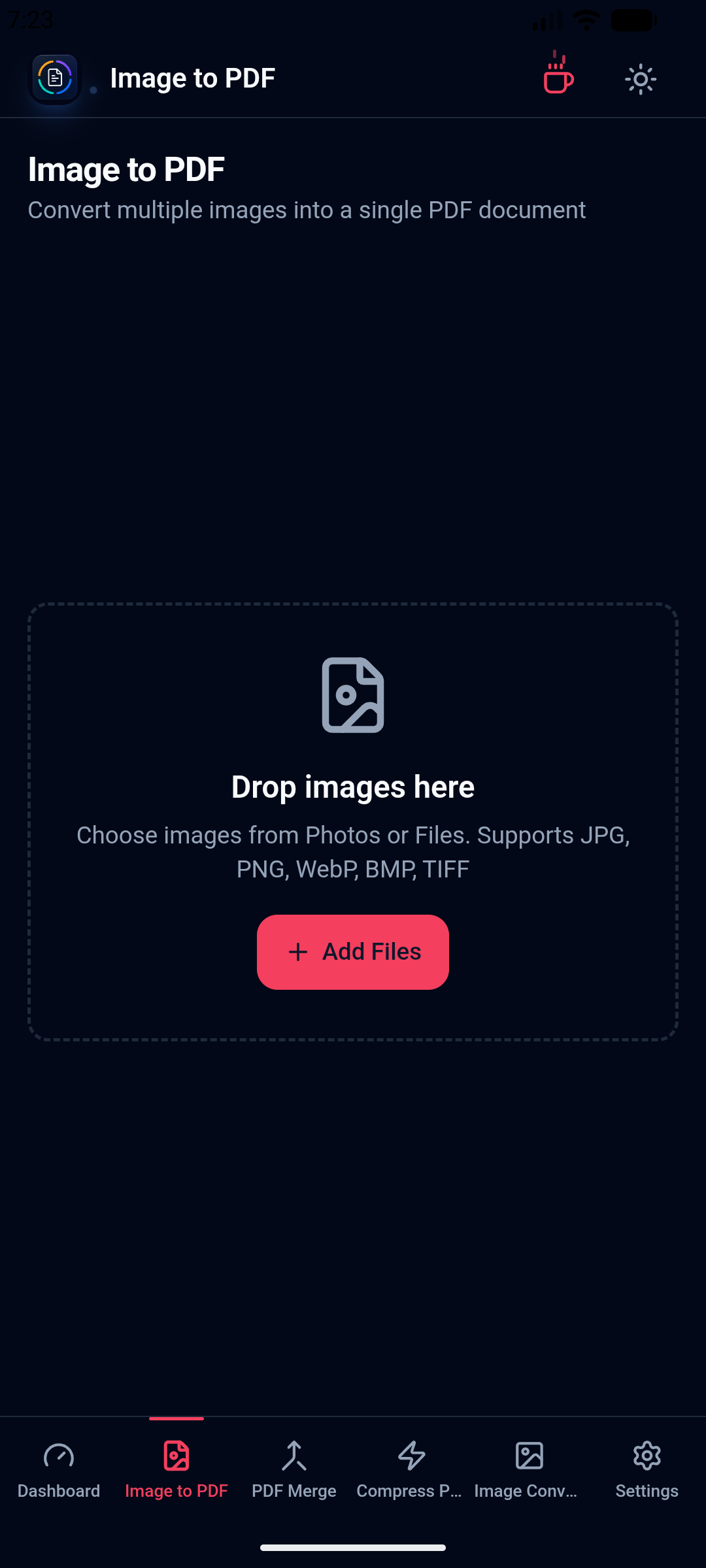
Choose images and prepare supported document output on the installed mobile app.
Local workflow comparison
A factual comparison of the handoff required for this job.
Online handoff
Installed workflow
Source files
Upload the PDF or image set first.
Open files directly from device storage.
Processing
The web service handles the remote job.
Supported PDF and image work runs locally.
Access
Limits and retention depend on the service.
No KenoLabs account, daily cap, paid tier, or watermark.
Output
Download the finished file again.
Save directly to the location you choose.
Online PDF services differ in limits and retention policy. This compares the common browser handoff with Orenvo PDF's verified installed workflow.
Why Orenvo PDF
Mix JPG, PNG, and WebP in one export
Create a single handoff from a folder
Set page order manually instead of relying on filenames
Choose the destination folder before saving
Privacy and control
A folder of photos or scans can reveal more context than expected. Orenvo PDF keeps the assembly step in the installed app and writes the final PDF to your local output folder.
Orenvo PDF includes all four tools, free and unlimited, with no checkout gate.
Exports have no watermarks, even with repeated use.
There is no Pro tier and no checkout — every tool is free.
FAQ
Yes. Add supported image formats together, arrange the combined list, and export a PDF in that exact order.
No. Orenvo PDF opens the image-to-PDF workflow immediately, with no daily limits and no watermarks.
Orenvo PDF · Images to PDF Converter
Download Free to use the full workflow on Windows or macOS — no limits, no watermarks, no account.