
StickerGrab
v1.2.0-beta.1
 Orenvo PDFImage-to-PDF workflow · v1.0.2 · Windows · macOS · Android
Convert WebP images from browsers or design exports into a PDF people can open, print, and review.
Use Orenvo PDF when loose image files need to become a deliberate document, not another pile of attachments.
 Turn WebP into a PDF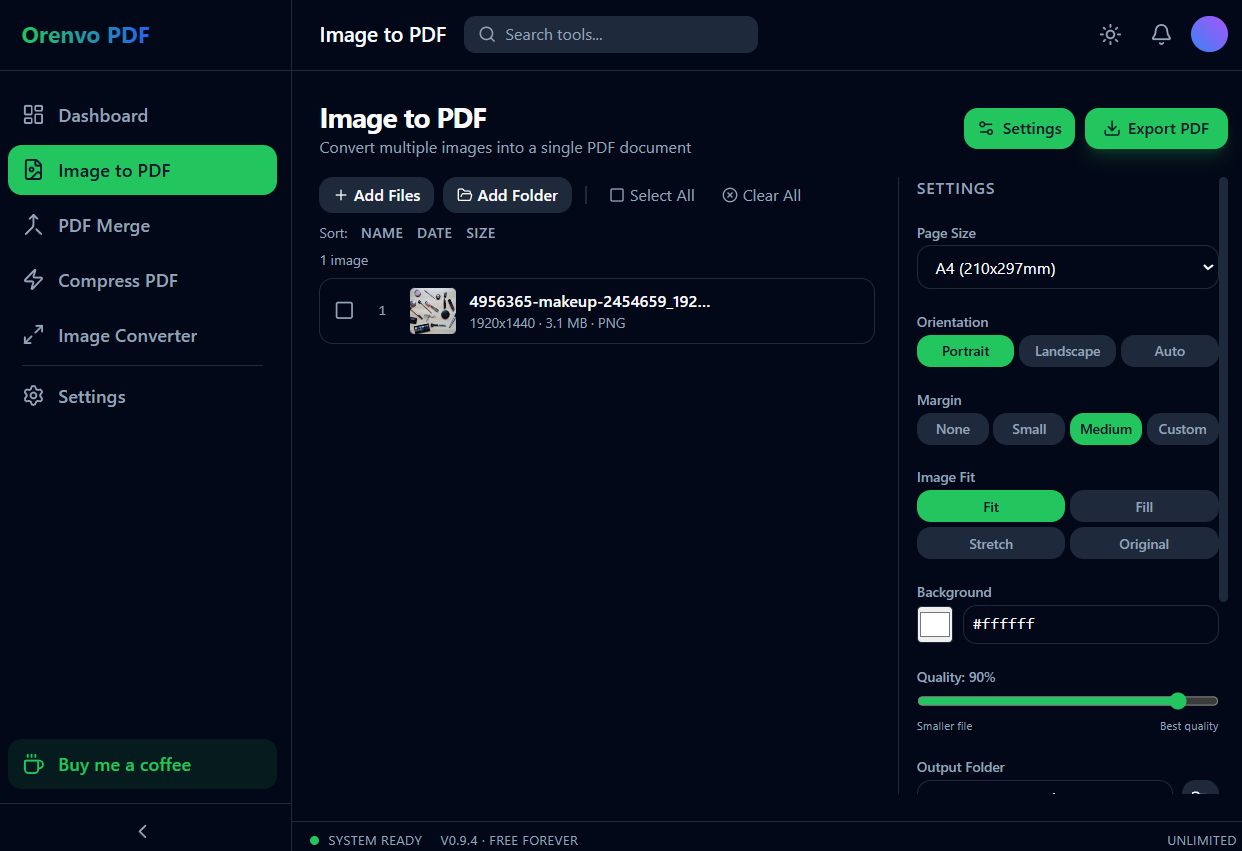
Image to PDF
Package WebP images into a single PDF.
One document
Turn image sets into a PDF that is easier to send, review, or print.
Order before export
Arrange the pages instead of trusting filename sorting.
Why this workflow
WebP is efficient, but it is not always the format clients, printers, or paperwork portals expect. Instead of resaving each image through another tool, use Orenvo PDF to collect WebP files and export a document.
Format handoff
Image conversion is only one part of the workflow: after you build a PDF from images, the same app also handles merging, compression, and JPG/PNG/WebP format conversion.
How it works
Add the images, arrange the pages, choose the output settings, and export the PDF.
Add the WebP images that should become document pages.
Sort the files into the order a reviewer should see.
Choose page size and destination folder.
Export the PDF — there are no watermarks.
Inside the real app
The real Image to PDF workspace exposes the decisions that affect every page of the output.
Image to PDF
Set page size, orientation, margins, image fit, background, quality, and output folder.
Android
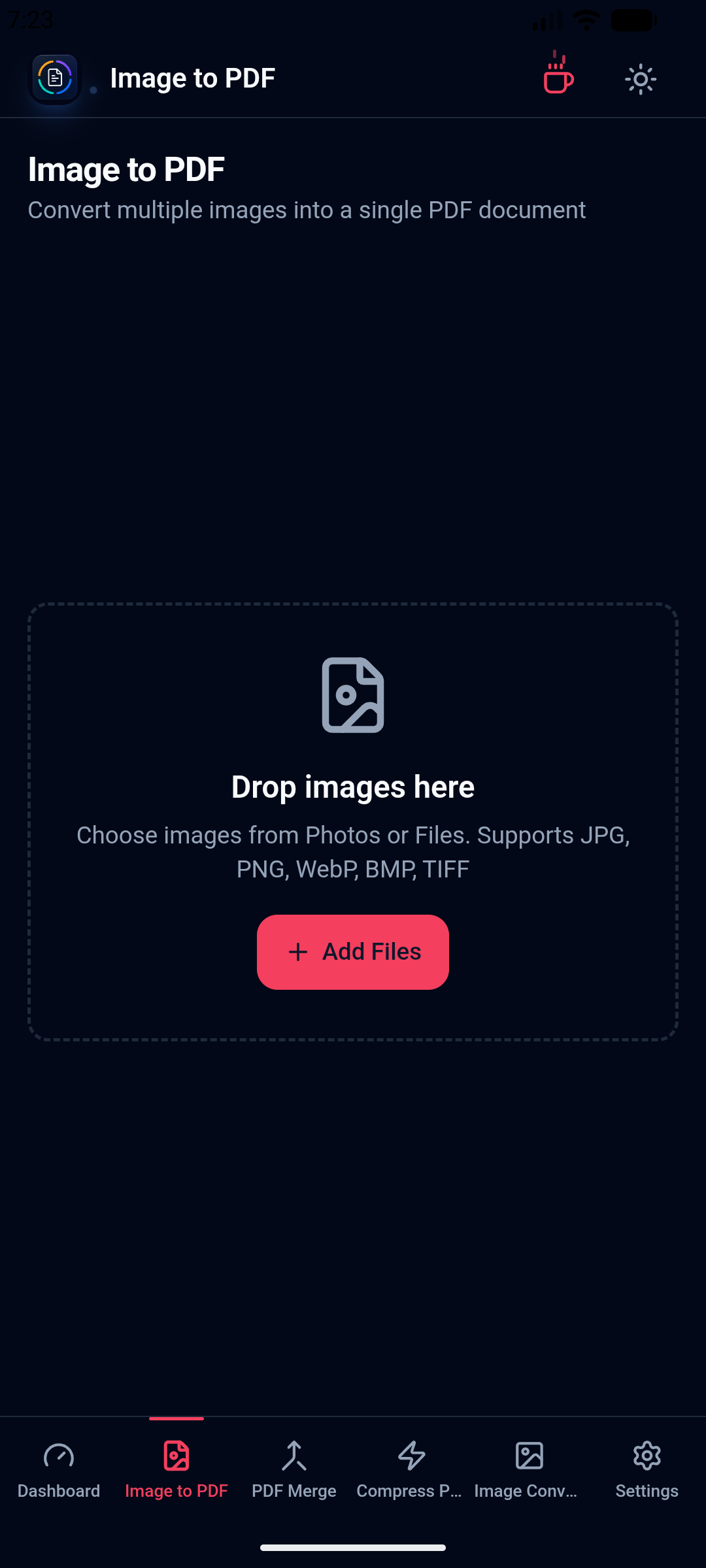
Choose images and prepare supported document output on the installed mobile app.
Local workflow comparison
A factual comparison of the handoff required for this job.
Online handoff
Installed workflow
Source files
Upload the PDF or image set first.
Open files directly from device storage.
Processing
The web service handles the remote job.
Supported PDF and image work runs locally.
Access
Limits and retention depend on the service.
No KenoLabs account, daily cap, paid tier, or watermark.
Output
Download the finished file again.
Save directly to the location you choose.
Online PDF services differ in limits and retention policy. This compares the common browser handoff with Orenvo PDF's verified installed workflow.
Why Orenvo PDF
Turn browser-saved WebP files into document pages
Avoid manual resaving to JPG first
Control output order before export
Use the same app on Windows, macOS, and Android
Privacy and control
Product drafts, internal screenshots, and web captures can stay inside your desktop workflow while Orenvo PDF creates the shareable PDF output.
The installed app reads images from local folders and writes the PDF to a folder you choose.
Orenvo PDF starts without sign-in, and image-to-PDF exports have no watermarks.
Image-to-PDF exports have no daily limit or watermark.
FAQ
Yes. WebP is supported in the Image to PDF workflow, so you can arrange WebP files as pages and export one PDF.
After the app is installed, the conversion run works from files on your machine and saves to a local output folder.
Orenvo PDF · WebP to PDF
Download Free to use the full workflow on Windows or macOS — no limits, no watermarks, no account.