
StickerGrab
v1.2.0-beta.1
 Orenvo PDFOffline PDF processing · v1.0.2 · Windows · macOS · Android
Handle supported PDF and image jobs from an installed Android app when an upload step is unnecessary or inappropriate.
Use Orenvo PDF when the friction is not the PDF task itself, but the website you would normally have to trust.
 Local PDF and image conversion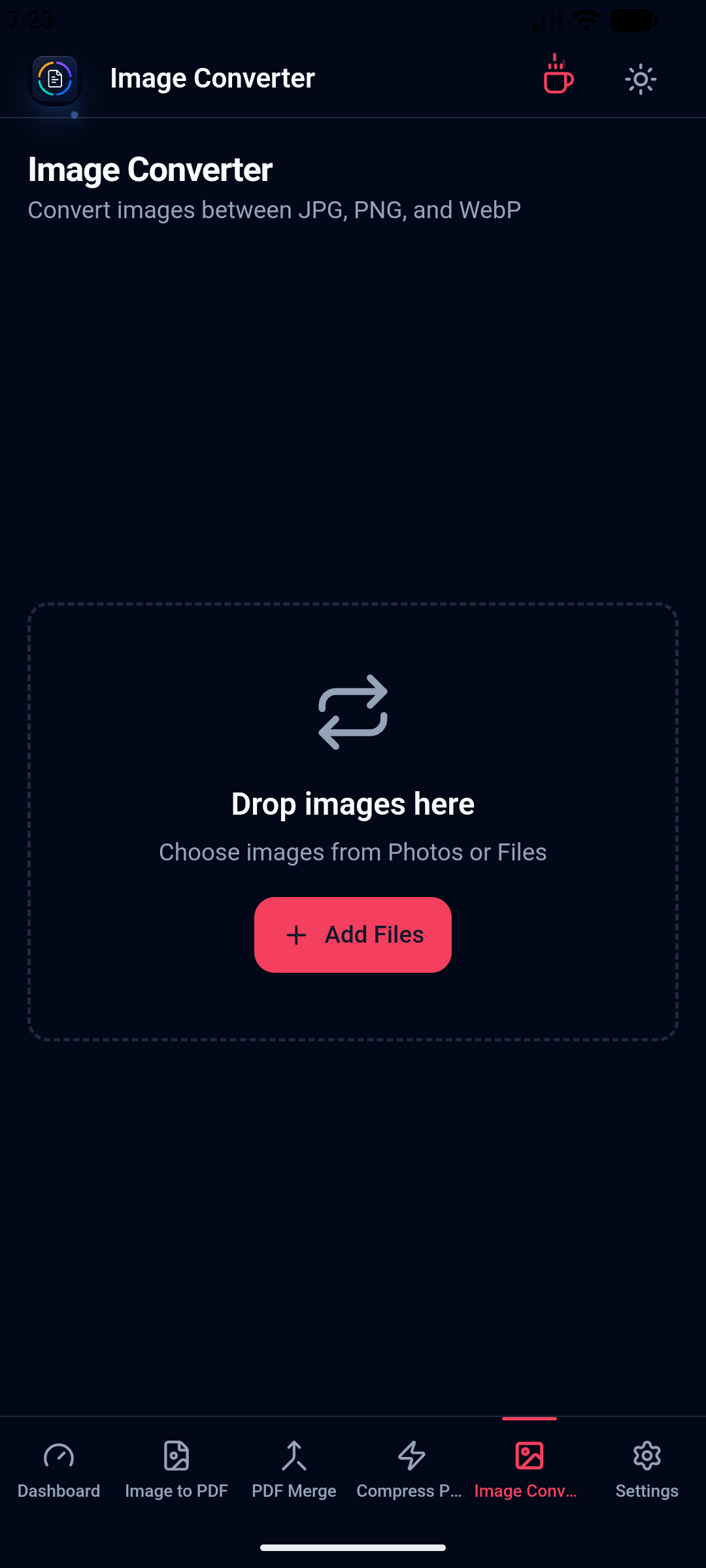
Android · Offline
Run supported conversion work from the installed Android app.
Avoid browser queues
Skip the upload/download loop that slows down urgent document tasks.
Keep control
Work from local folders and save the result where it belongs.
Why this workflow
Contracts, scans, statements, and personal images do not always belong in a web upload queue. An installed Android tool also remains useful when the connection is unreliable.
Android workflow
For private paperwork, unreliable internet, or ad-heavy browser tools, Orenvo PDF gives the everyday PDF workflow a desktop path first.
How it works
Open the relevant tool, add the files from your machine, set the output, and save the finished file.
Install the universal APK on Android 7.0 or newer.
Pick the PDF or image tool that matches the job.
Choose files through the mobile file picker and set the output.
Save the result on the device and keep the confirmation visible after export.
Inside the real app
The universal APK provides mobile versions of the dashboard and supported local workflows.
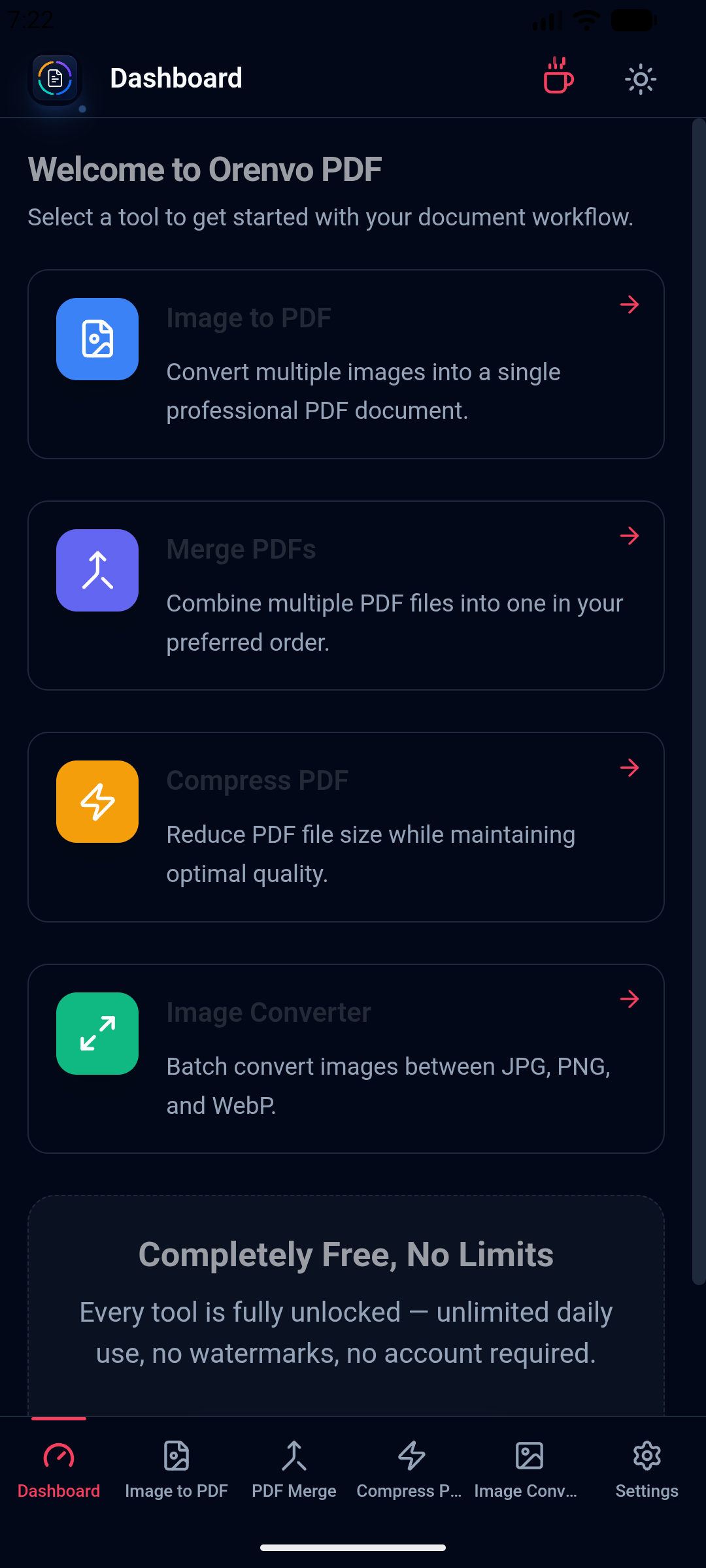
Android
Choose Image to PDF, Merge, Compress, or Image Converter on Android 7.0 and newer.
Mobile workflow
Use the installed Android app for supported conversion jobs and local output.
Local workflow comparison
A factual comparison of the handoff required for this job.
Online handoff
Installed workflow
Source files
Upload the PDF or image set first.
Open files directly from device storage.
Processing
The web service handles the remote job.
Supported PDF and image work runs locally.
Access
Limits and retention depend on the service.
No KenoLabs account, daily cap, paid tier, or watermark.
Output
Download the finished file again.
Save directly to the location you choose.
Online PDF services differ in limits and retention policy. This compares the common browser handoff with Orenvo PDF's verified installed workflow.
Why Orenvo PDF
Supported processing through the native Rust backend
Mobile-friendly file picking
A clear confirmation after choosing the output location
Dark and light themes with accent colors
Privacy and control
Source documents stay within the installed workflow during supported conversions instead of being handed to a remote PDF utility.
Supported merge, compression, and conversion jobs run inside the installed app.
No account is required on Windows, macOS, or Android.
There are no per-tool limits, and exports have no watermarks.
FAQ
Yes. Supported merge, compression, image-to-PDF, and image conversion work runs locally through the installed app.
No. Orenvo PDF works without an account, daily limits, or watermarks.
Orenvo PDF · Offline PDF Converter for Android
Download the universal APK for supported PDF and image processing that stays on your Android device.
