
StickerGrab
v1.2.0-beta.1
 Orenvo PDFRepeatable PDF batching · v1.0.2 · Windows · macOS · Android
Merge many PDFs in one repeatable pass when the job is a packet, archive, or monthly batch instead of a single pair of files.
Use Orenvo PDF when document cleanup is recurring work and you want the controls in one installed app.
 Merge large PDF batches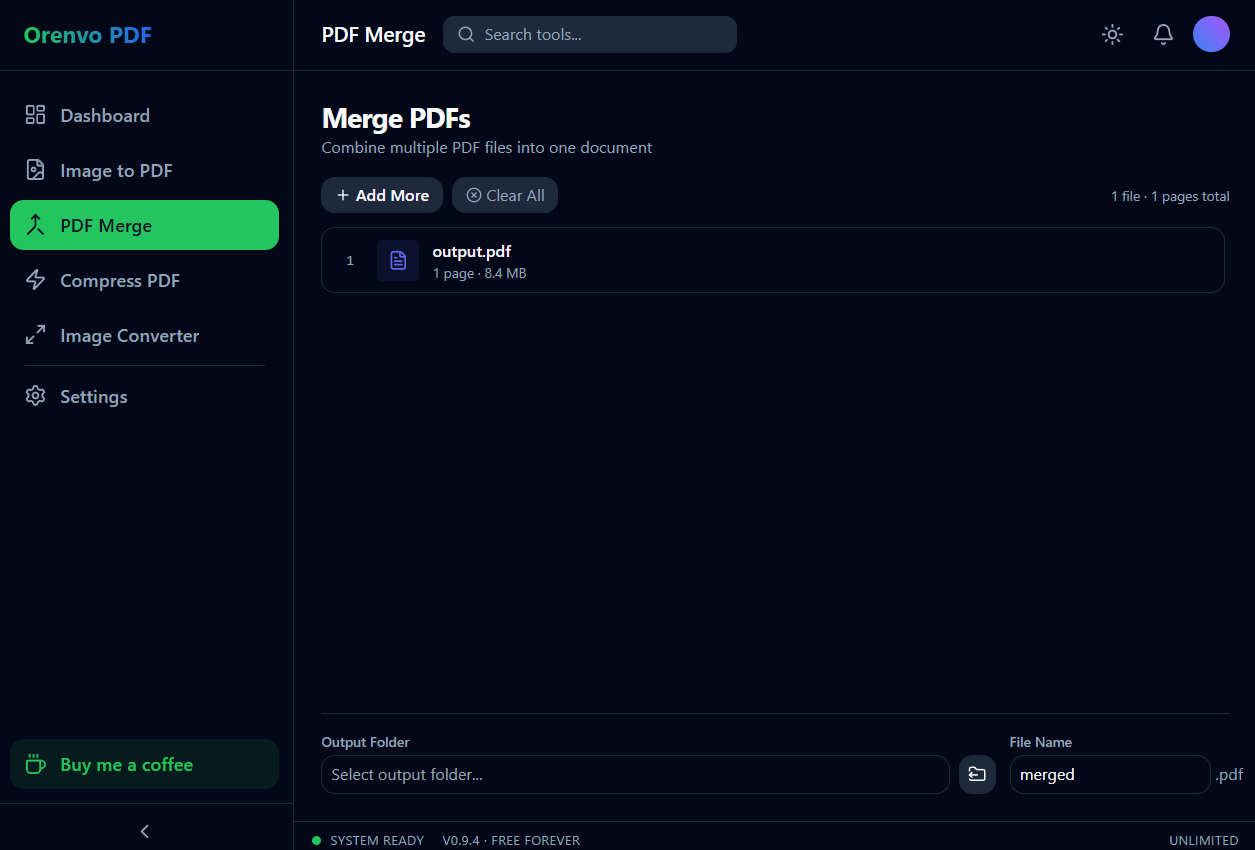
Batch merge
Combine many files without a browser upload step.
One place
Handle the common PDF cleanup jobs without hopping between web utilities.
No limits
Every tool is free and unlimited, with no watermarks and no Pro tier.
Why this workflow
Batch merge work breaks down when every file has to be uploaded, downloaded, and checked one at a time. The real problem is keeping a long list in the right order without losing time to browser queues. Orenvo PDF keeps the batch visible and adjustable before you run it.
Workflow fit
Orenvo PDF is positioned around the practical jobs that interrupt normal work: combine files, shrink large PDFs, make image sets shareable, and convert supported image formats.
How it works
Choose the tool, add your files, adjust the output, and save the finished file locally.
Add the full PDF set for the packet, archive, or recurring report.
Review the list and drag files into the final order.
Run the merge from the desktop app.
Repeat the same workflow whenever the next batch arrives.
Inside the real app
The real desktop screen shows the file order and local output controls used for the merge workflow.
Merge
Add files, change their order, choose a local destination, and save one PDF.
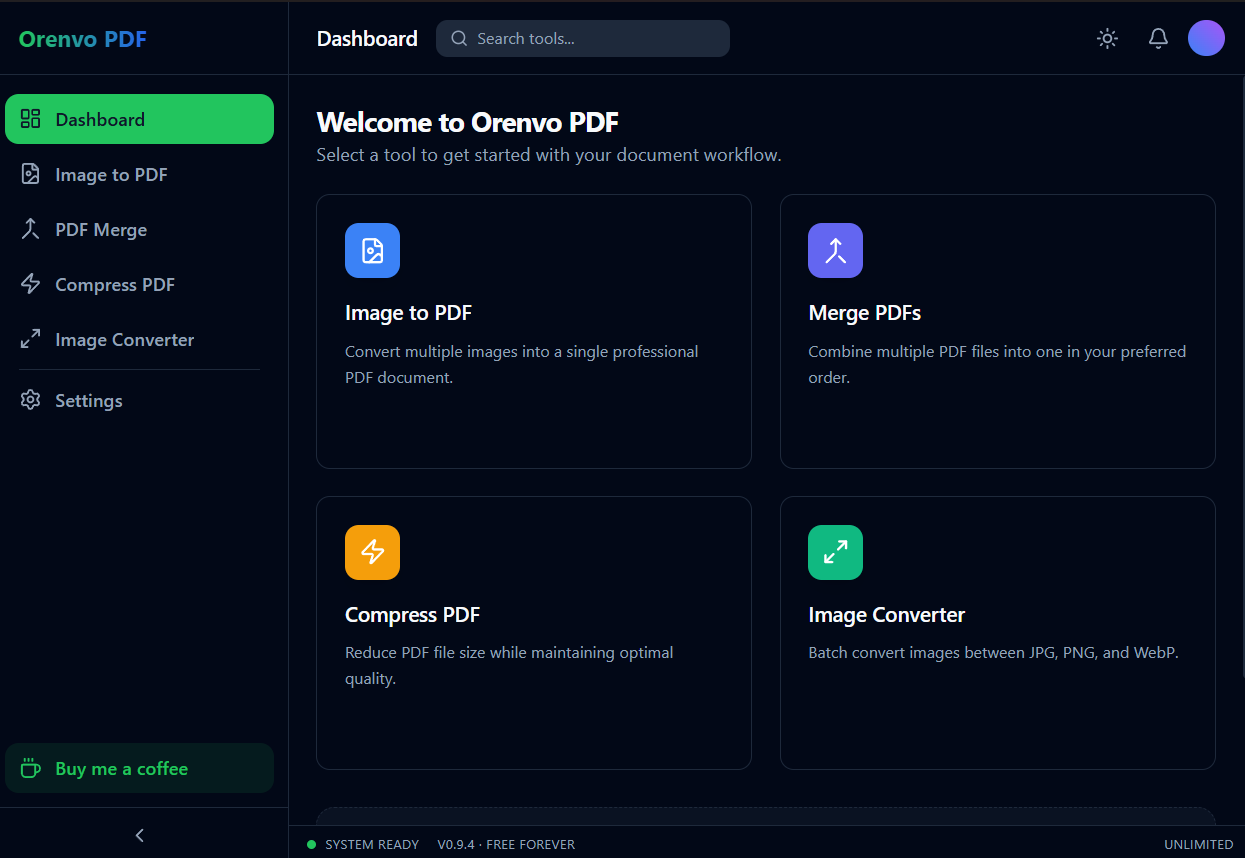
Dashboard
Merge lives beside Compress, Image to PDF, and Image Converter.
Local workflow comparison
A factual comparison of the handoff required for this job.
Online handoff
Installed workflow
Source files
Upload the PDF or image set first.
Open files directly from device storage.
Processing
The web service handles the remote job.
Supported PDF and image work runs locally.
Access
Limits and retention depend on the service.
No KenoLabs account, daily cap, paid tier, or watermark.
Output
Download the finished file again.
Save directly to the location you choose.
Online PDF services differ in limits and retention policy. This compares the common browser handoff with Orenvo PDF's verified installed workflow.
Why Orenvo PDF
Keep long PDF lists visible before export
Reorder files without re-uploading anything
Repeat the same desktop workflow for new batches
Useful for reports, statements, and scanned forms
Privacy and control
Batch folders often combine several people's records or multiple client documents. Processing them on the desktop avoids sending the entire set to a third-party merge page.
Orenvo PDF includes all four tools, free and unlimited, with no checkout gate.
Exports have no watermarks, even with repeated use.
There is no Pro tier and no checkout — every tool is free.
FAQ
Orenvo PDF does not force the workflow to two files. Add the batch you need and review the order before merging; very large source sets still depend on local memory and storage.
No. Orenvo PDF is completely free with no daily limits and no watermarks, even for large or repeated batch merges.
Orenvo PDF · Batch PDF Merge
Download Free to handle recurring PDF merge jobs on Windows or macOS — completely free and unlimited, with no watermarks.