
StickerGrab
v1.2.1 Beta
Media ScraperWindows64-bit installer macOSUniversal DMG
Windows 10/11 & macOS 12+Standalone tool · Telegram & Discord export
 OrderlyFree Windows file organizer · v1.0.0-beta.1 · Windows
Orderly Free Beta gives you profiles, previews, filters, manual organization, and Undo for the folders you use every day.
Local-first does not mean network-free: update checks and feedback use the network as described in the policy.
 See the controls included in the beta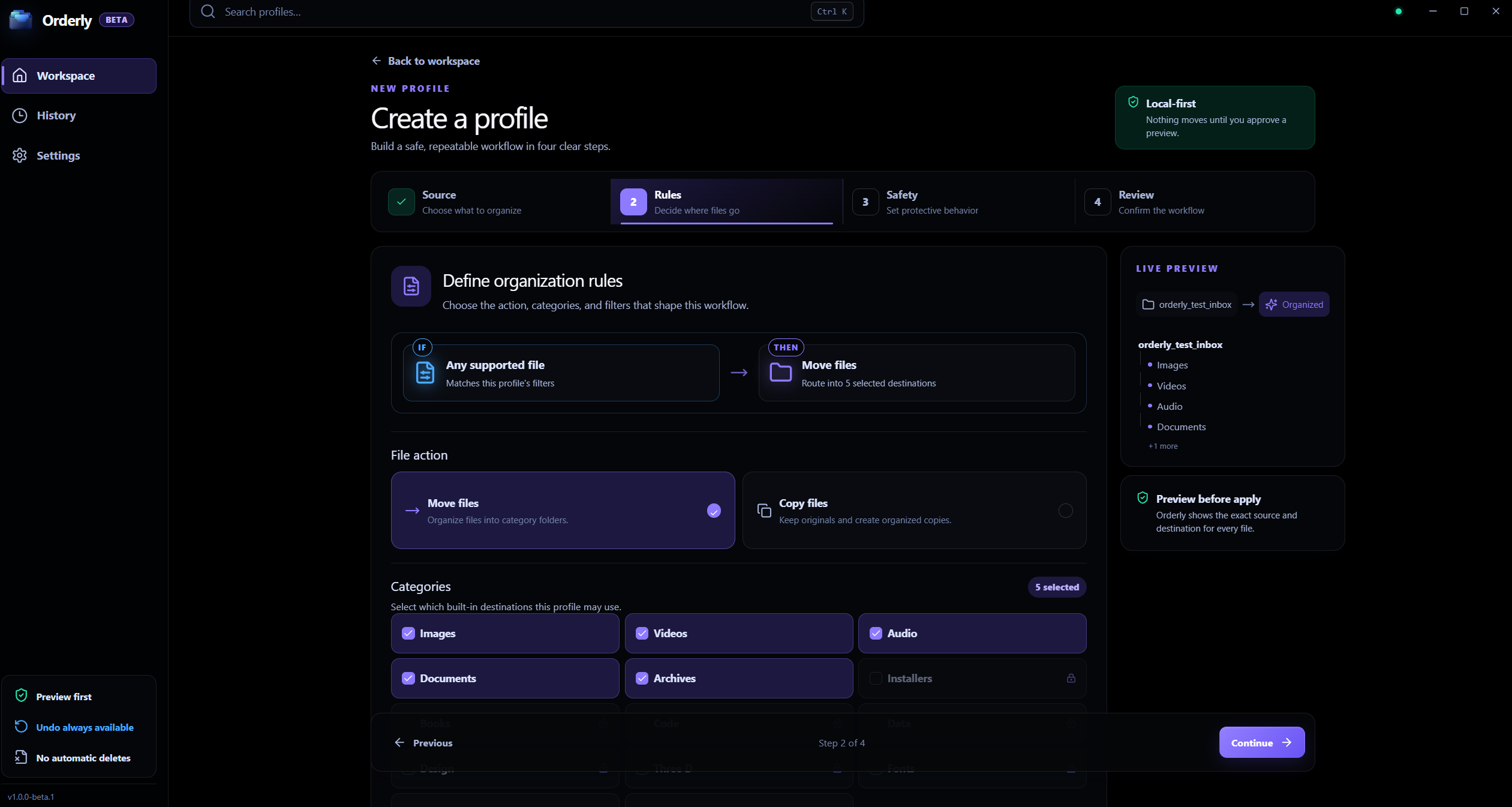
Orderly Free Beta
Real Orderly Windows app screen with active profile configuration.
Local folder work
Orderly does not upload selected folder contents to KenoLabs.
Local app records
Profiles, previews, History, and reports are stored on this device.
A clear, reviewable workflow
Understand where the folder work happens and which optional app actions may contact a network service.
Orderly Free Beta
Interactive illustration with sample files. Real Orderly screens appear in the proof section below.
Included in Orderly Free Beta
On-Device Safety & Privacy
Free 64-bit installer for Windows 10 and 11. No account or payment required.
Free Beta includes profiles, five built-in categories, filters, Preview, Run, and local History.
Choose a folder and the categories, action, filters, and collision behavior you need.
Inspect the plan first. Run moves files safely according to your verified preview.
Inside the real app
Review profile rules and inspect destinations in Preview before executing any file operations.
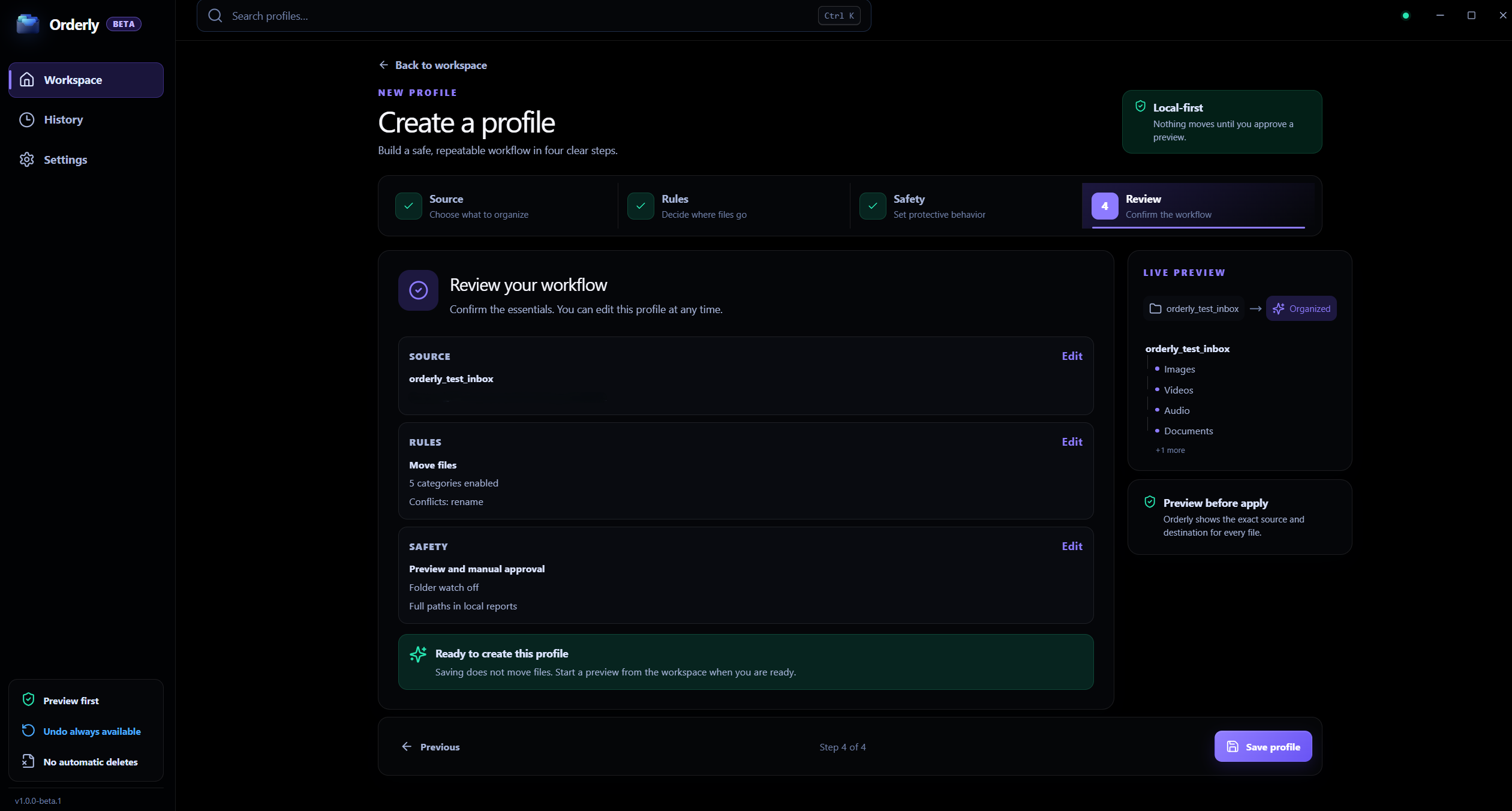
Profiles
Free Beta focuses on saved profiles, five built-in categories, and filters.
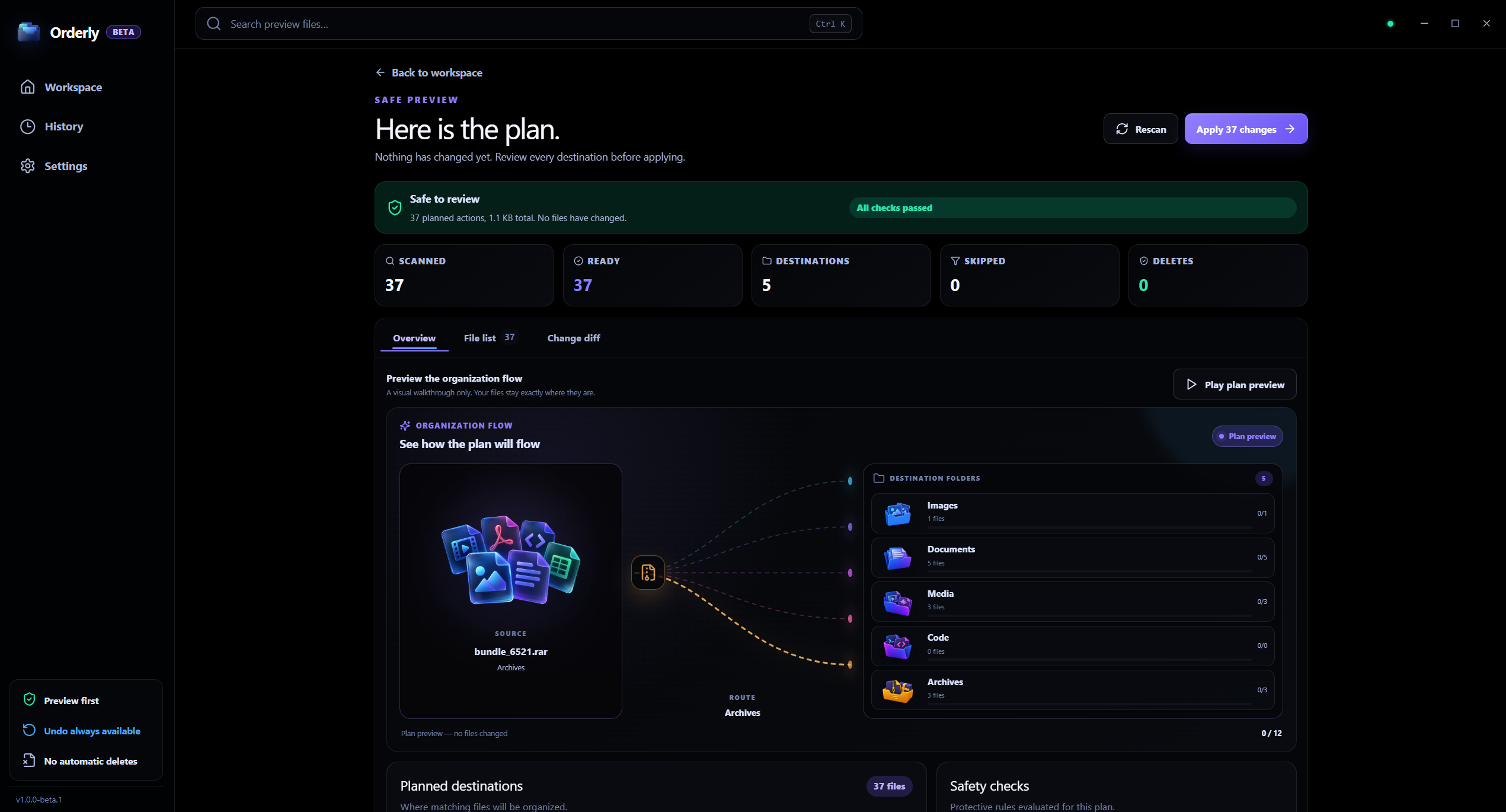
Preview
Inspect proposed actions before applying a plan to keep your file tree safe.
Free Beta scope
The beta focuses on repeatable profiles, five built-in categories, flexible filters, Preview, Run, and local History. The selected folder contents are processed on your computer. Update checks and optional feedback are separate network actions.
Included: profiles, five built-in categories, filters, Preview, Run, History, and Undo.
Included: Watch mode for monitoring folder changes while Orderly is open.
Included: Optional Auto-apply for a trusted profile you configure.
Selected folder contents are processed on your PC; Free Beta has no account requirement or automatic feature-usage telemetry.
Local processing, clearly scoped
Orderly does not upload the contents of folders you organize to KenoLabs. Profiles and run records stay local. Update checks and optional feedback may use the network; read the privacy policy for exact details.
FAQ
Yes. Orderly Free Beta is completely free to download and use on Windows; no account or license key is required.
Free Beta includes folder profiles, five built-in categories, customizable filters, Preview before apply, Run, local History with Undo, optional Folder Watch, and single-profile Auto-apply.
No. Selected folder contents are processed locally and are not uploaded to KenoLabs for organization. Update checks and optional feedback are separate network actions described in the privacy policy.
Orderly · Free file organizer for Windows
Download Orderly Free Beta and see your plan before you make changes. Native on-device execution for Windows 10 & 11.

