StickerGrab
v1.2.1 Beta
Media ScraperWindows64-bit installer macOSUniversal DMG
Windows 10/11 & macOS 12+Standalone tool · Telegram & Discord export
Choose the kind of file work you need. KenoLabs apps keep supported sticker, image, and PDF workflows on your device; an Orderly Windows file-organization beta preview is also available to explore.
What do you work with most?
Browse tools
Filter by category, platform, and release status.
1 matching tools
Core tools
Each card shows its current platform, release state, and direct downloads. Everything runs locally on your device without account walls.
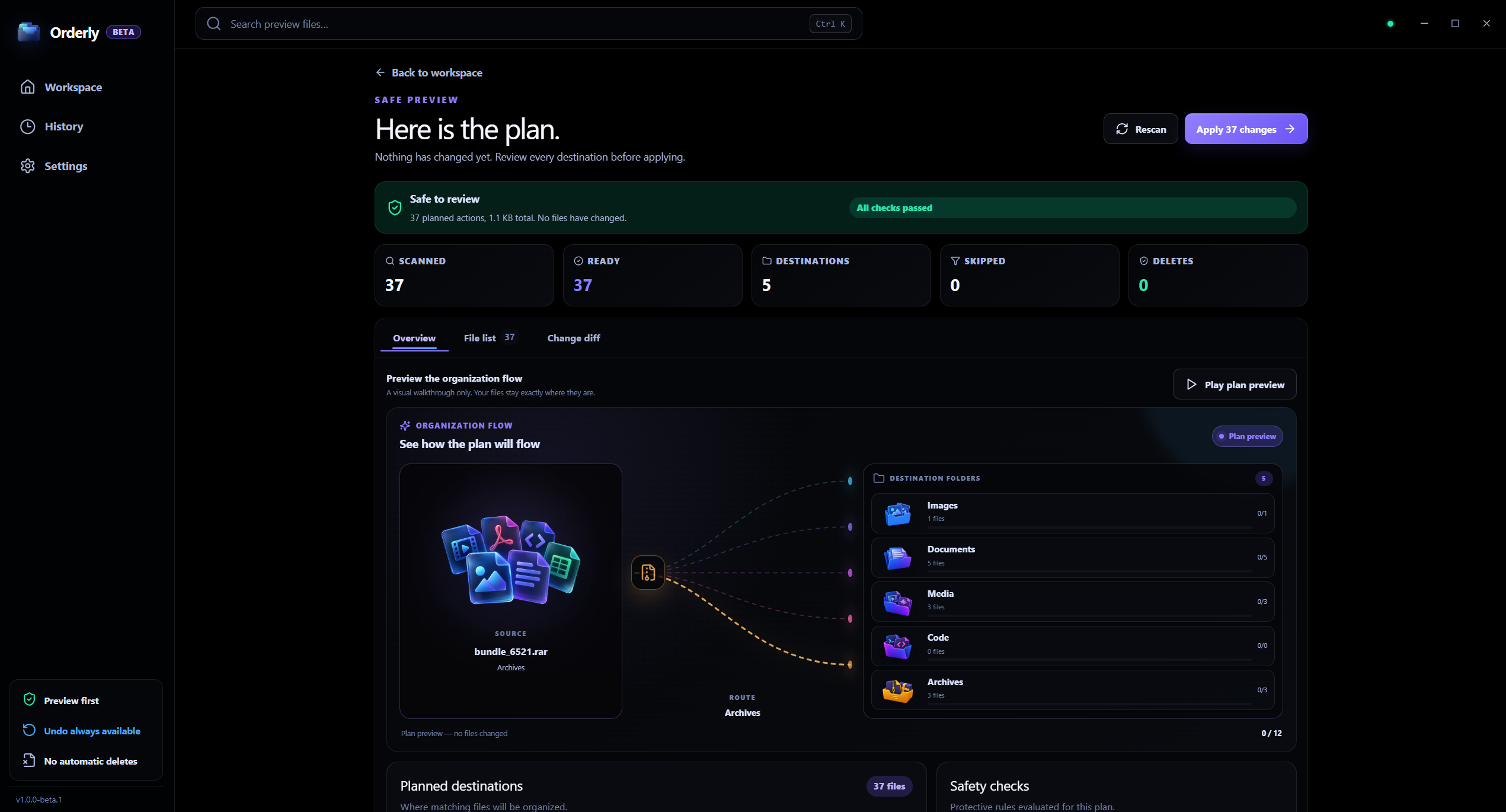

File organization
v1.0.0-beta.1Preview a file-organization plan before you run it, then review completed runs in local History.
Access
Free Beta
Product workflows
These are distinct workflows inside KenoLabs apps, not separate products.
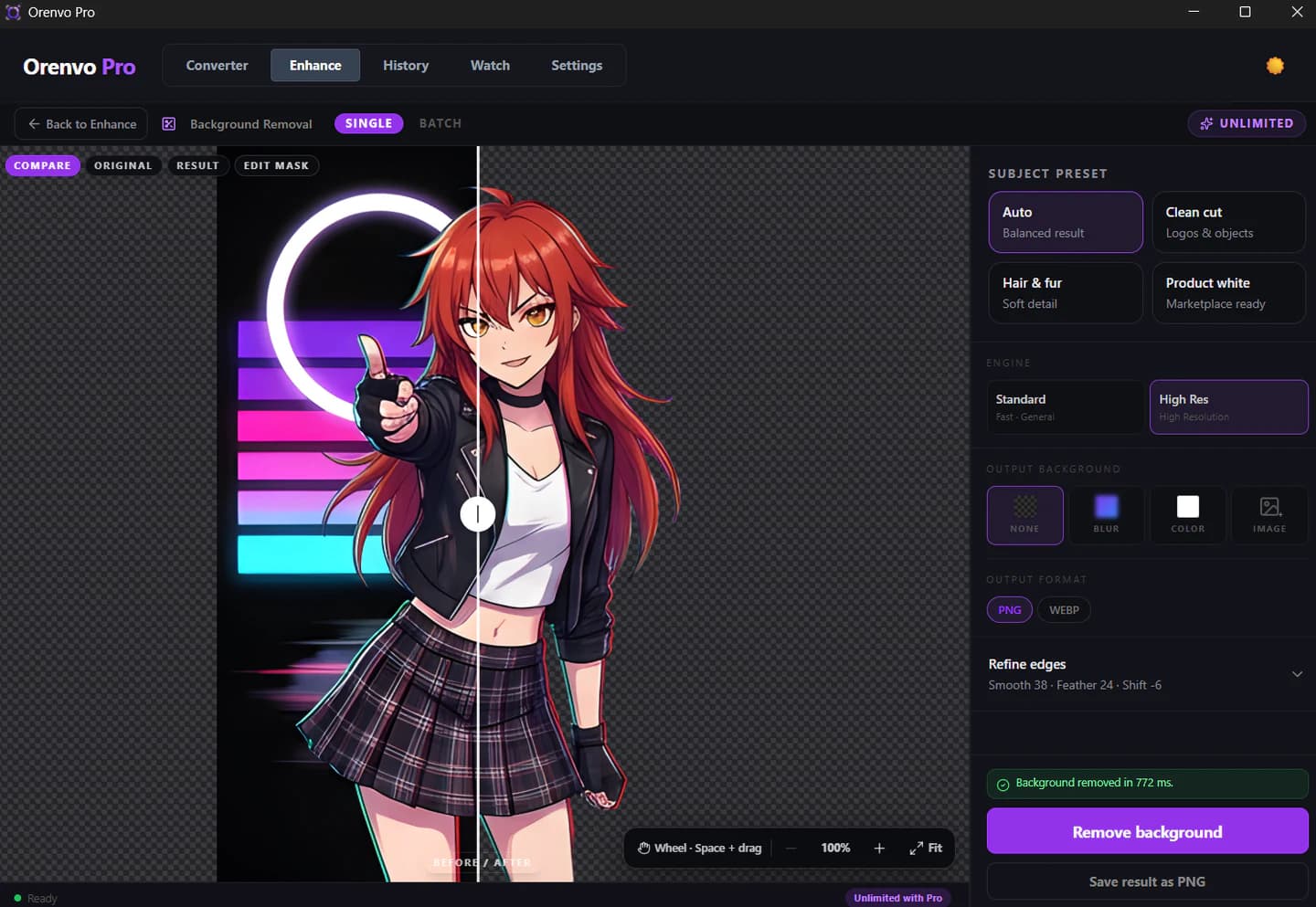
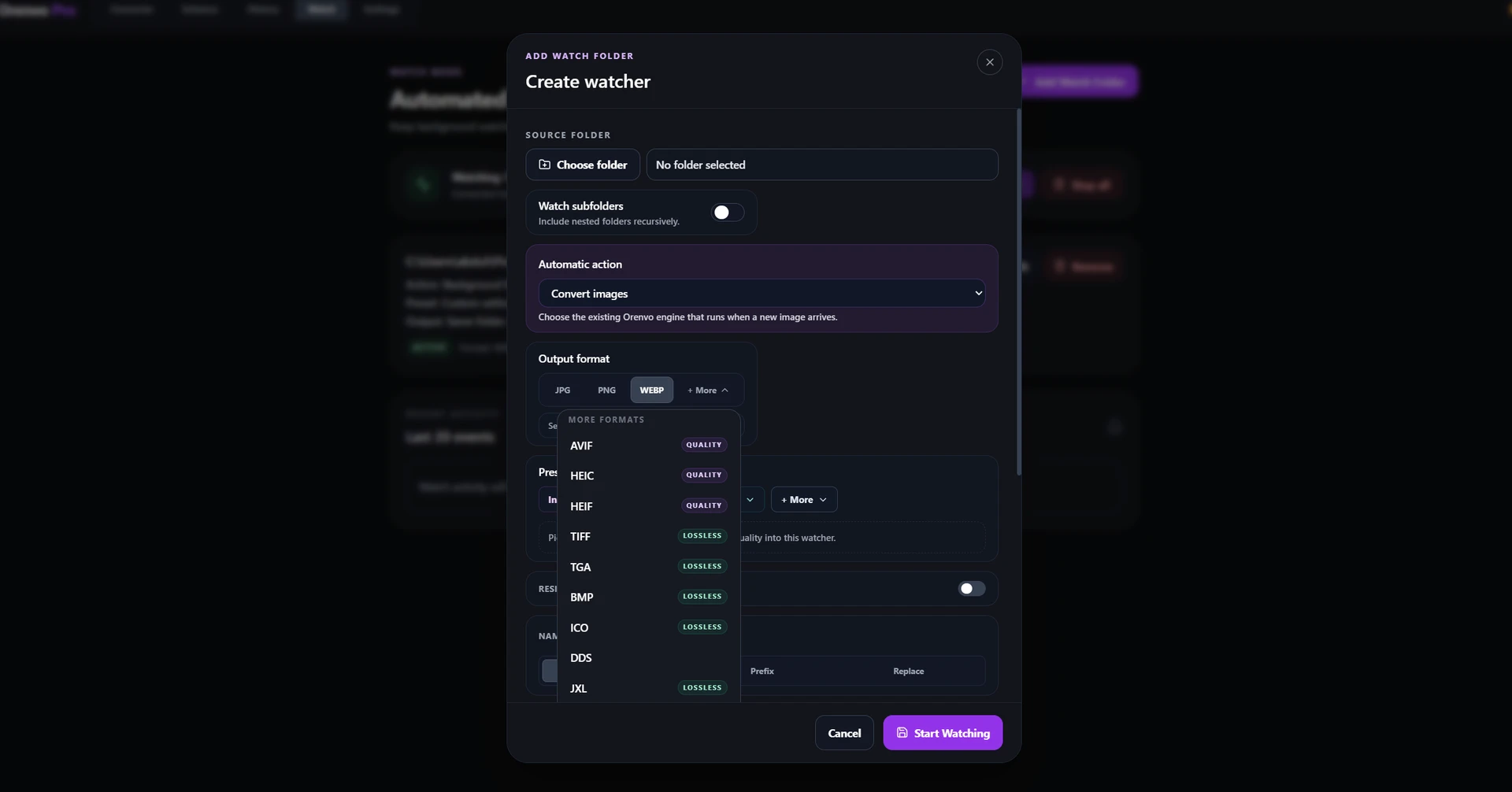
Orenvo Pro workflow
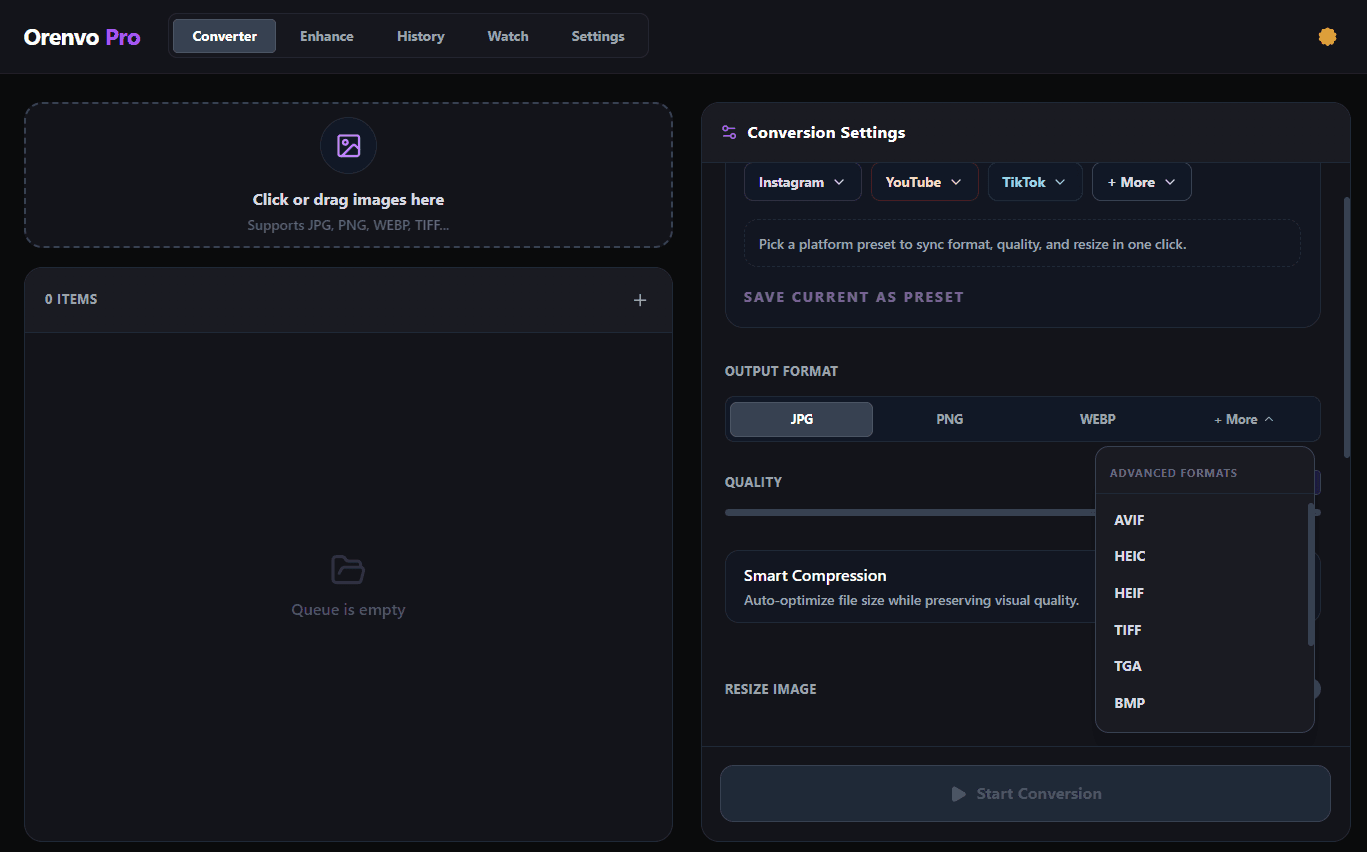
Orenvo Pro workflow
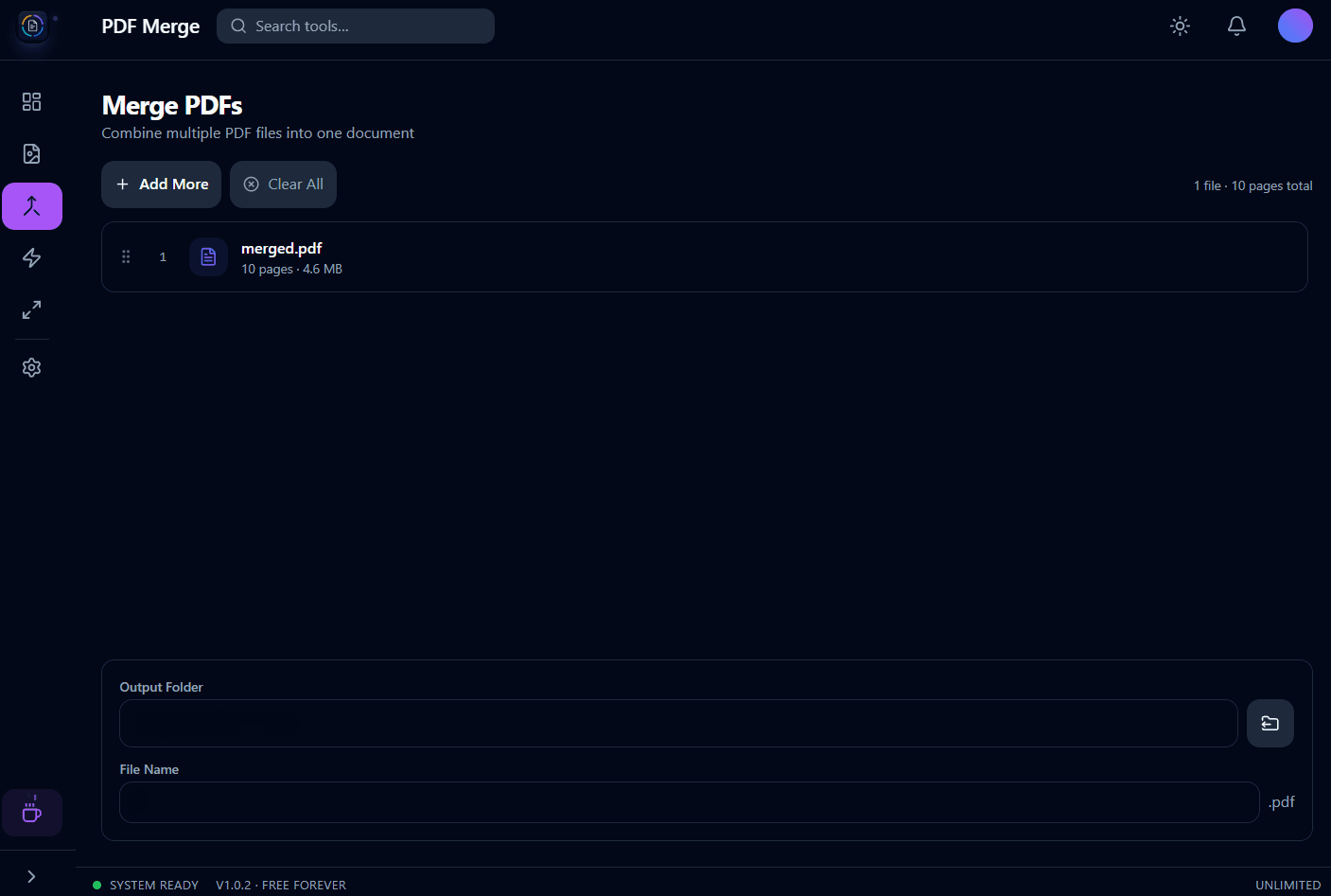
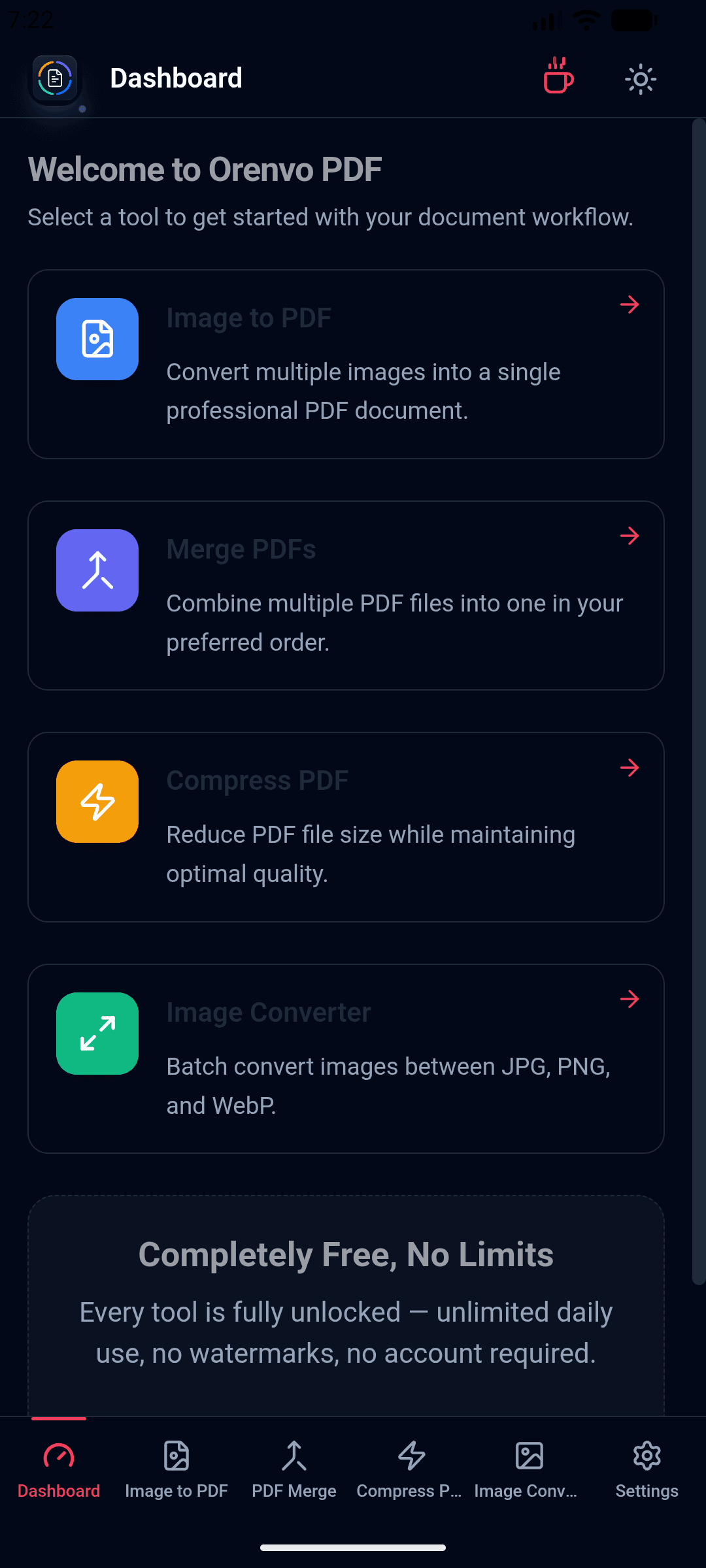
Orenvo PDF workflow
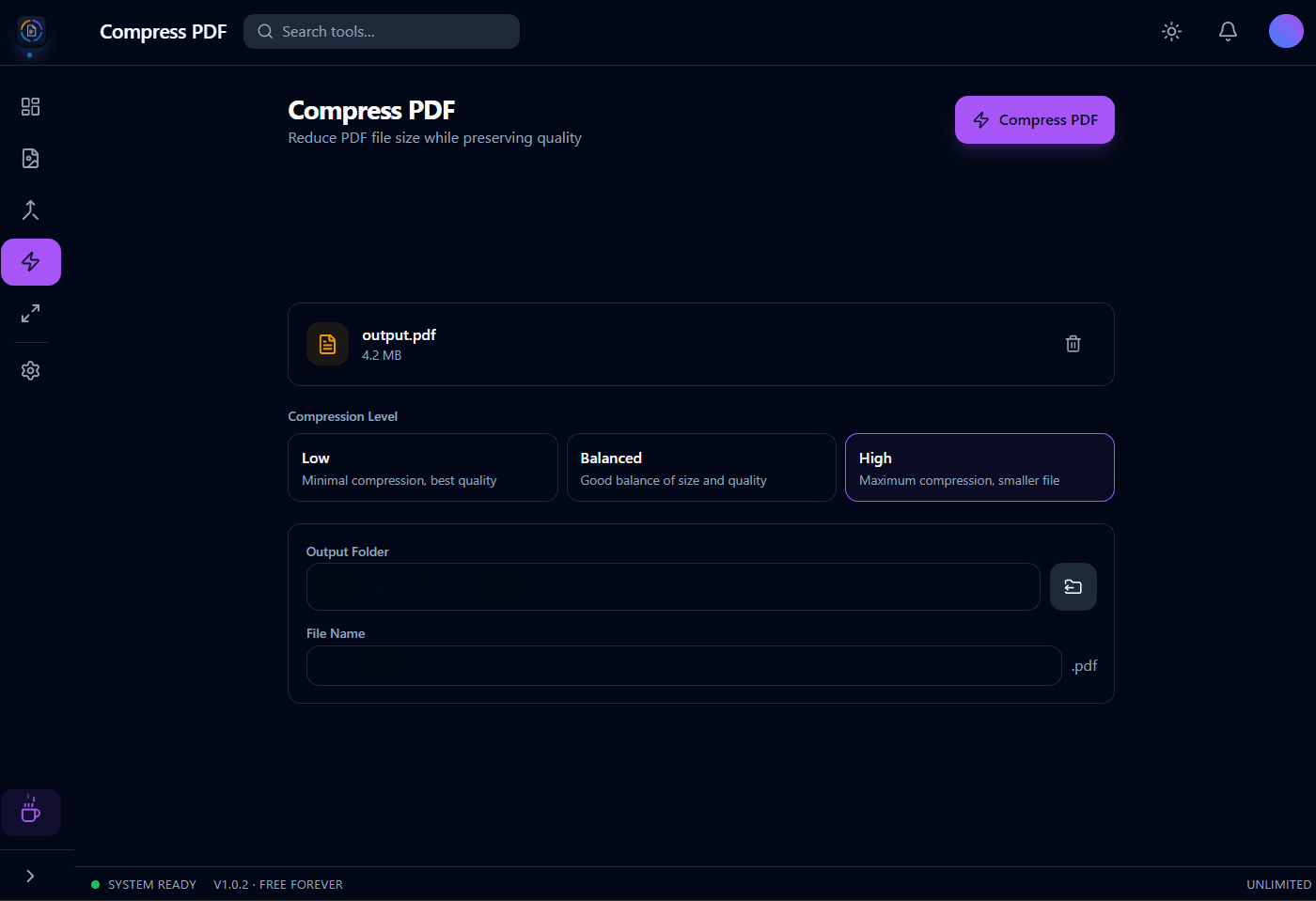
Orenvo PDF workflow
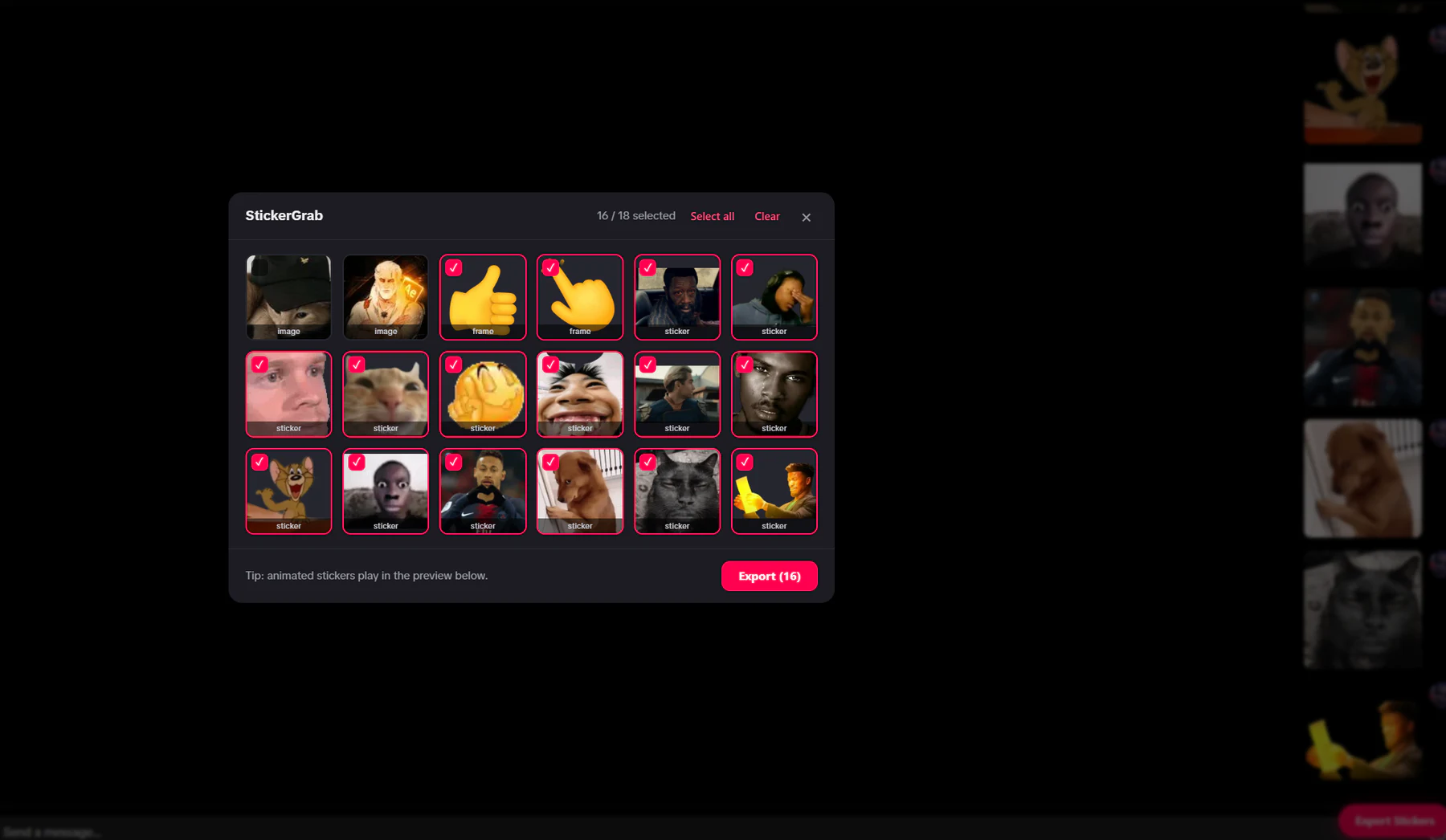
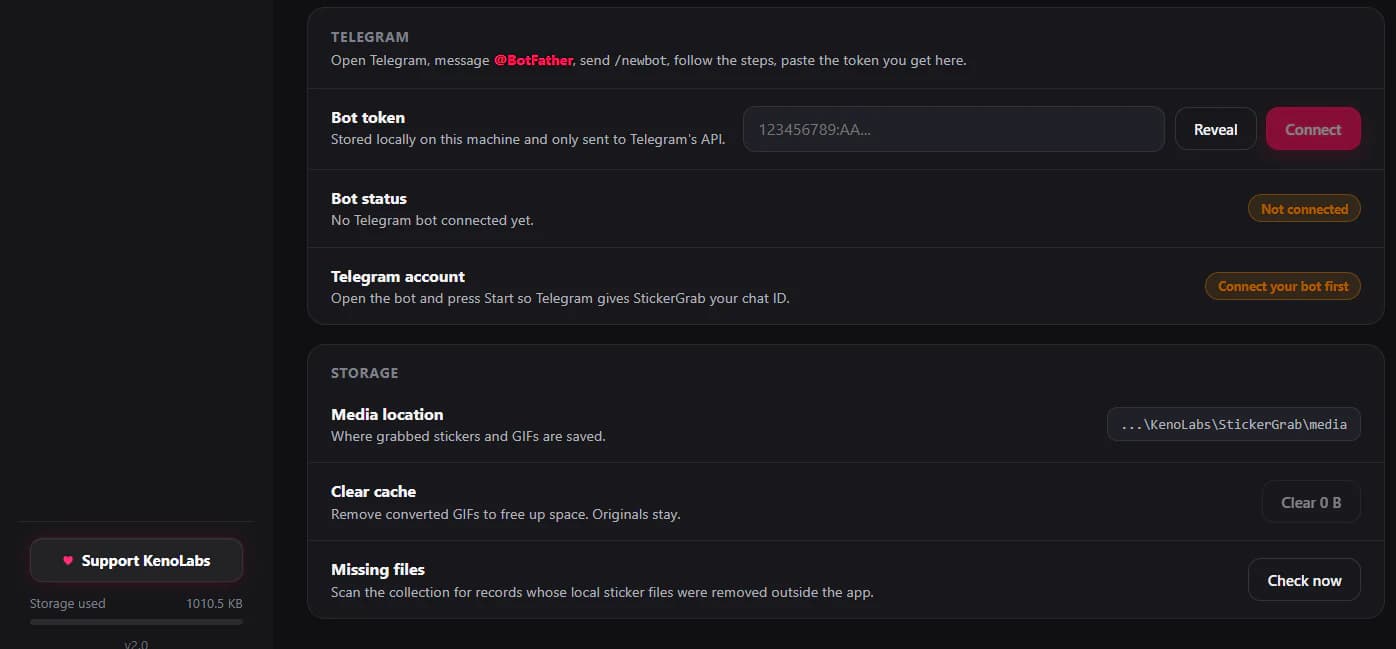
StickerGrab workflow
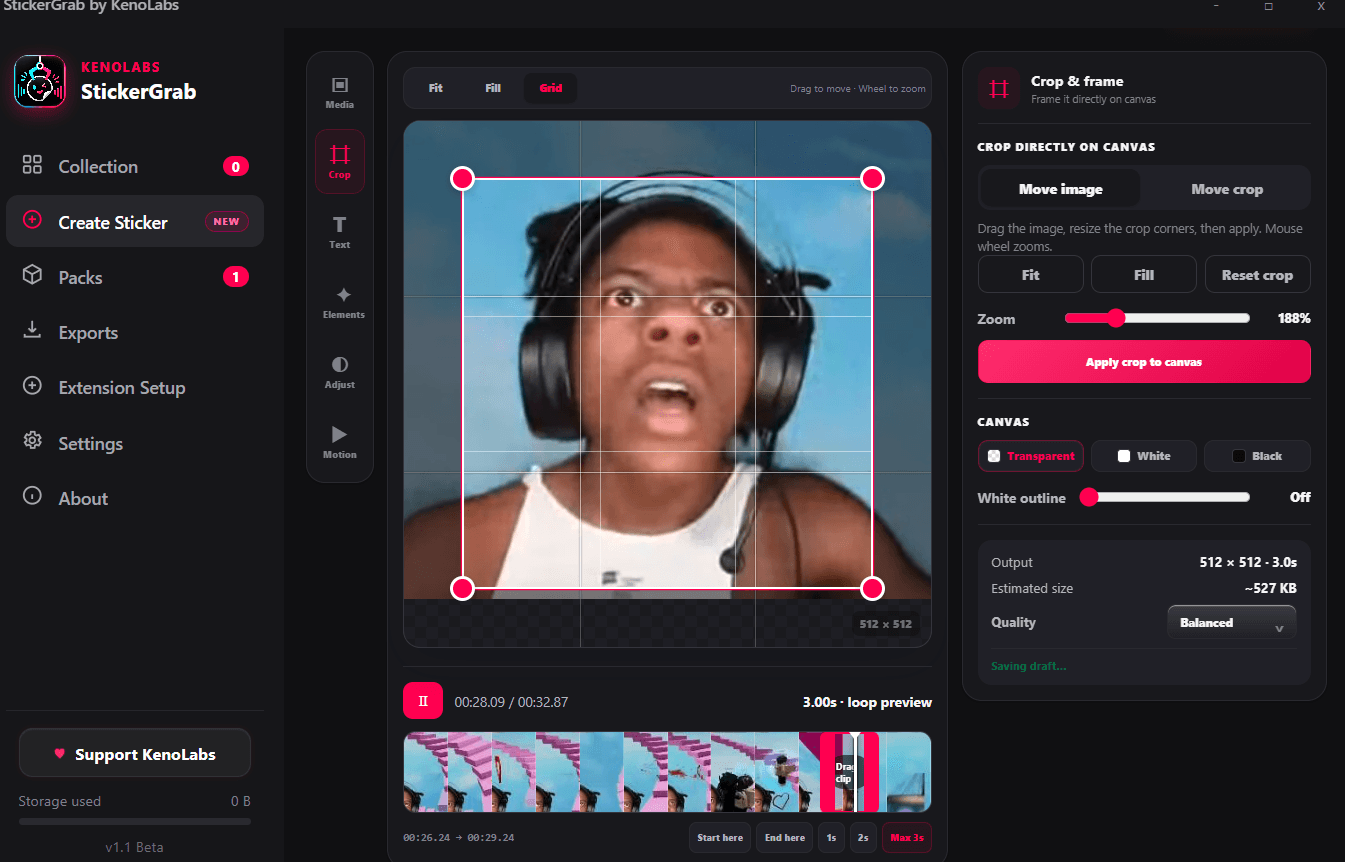
StickerGrab workflow
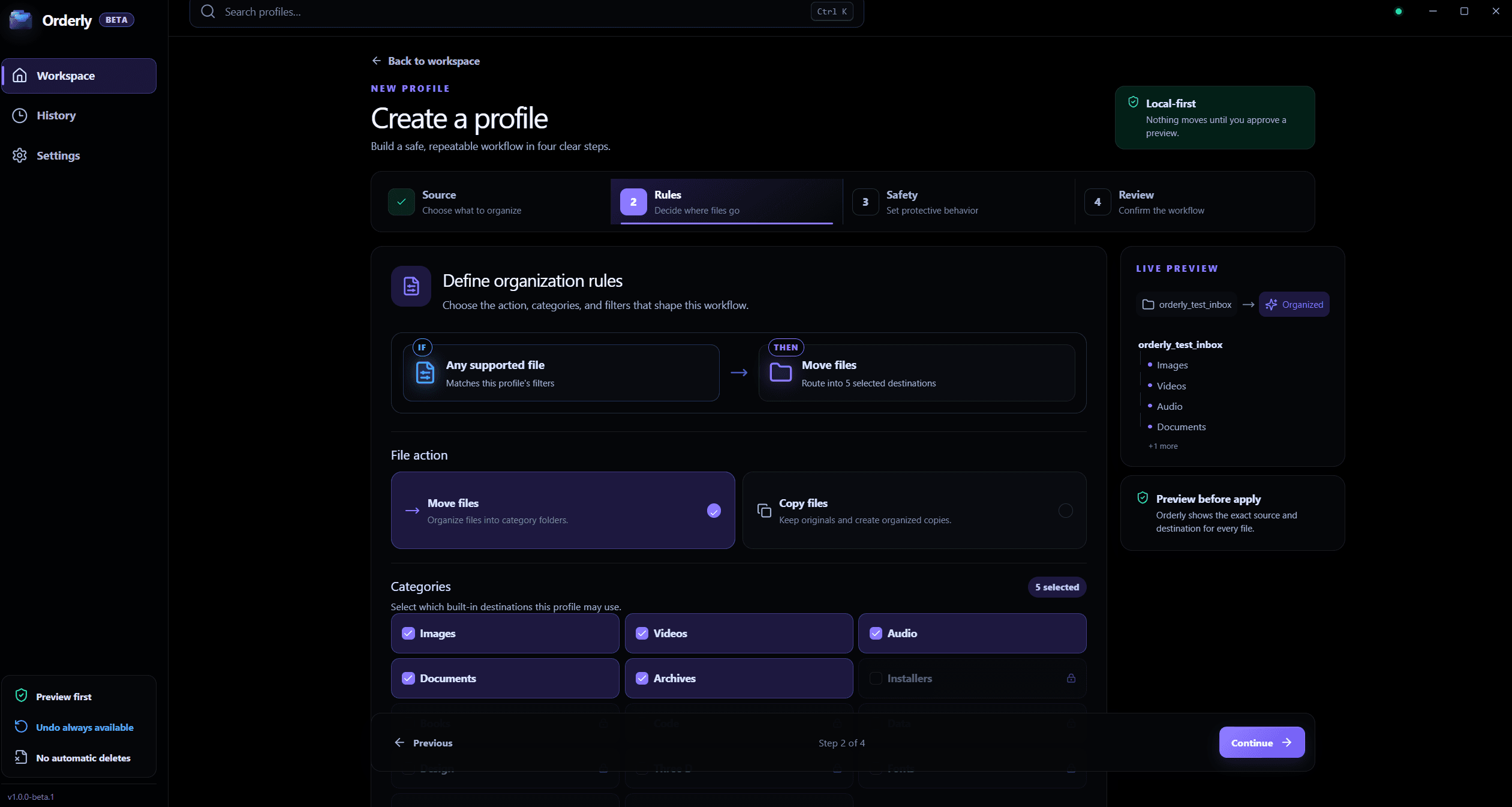
Orderly · Free Beta v1.0.0-beta.1
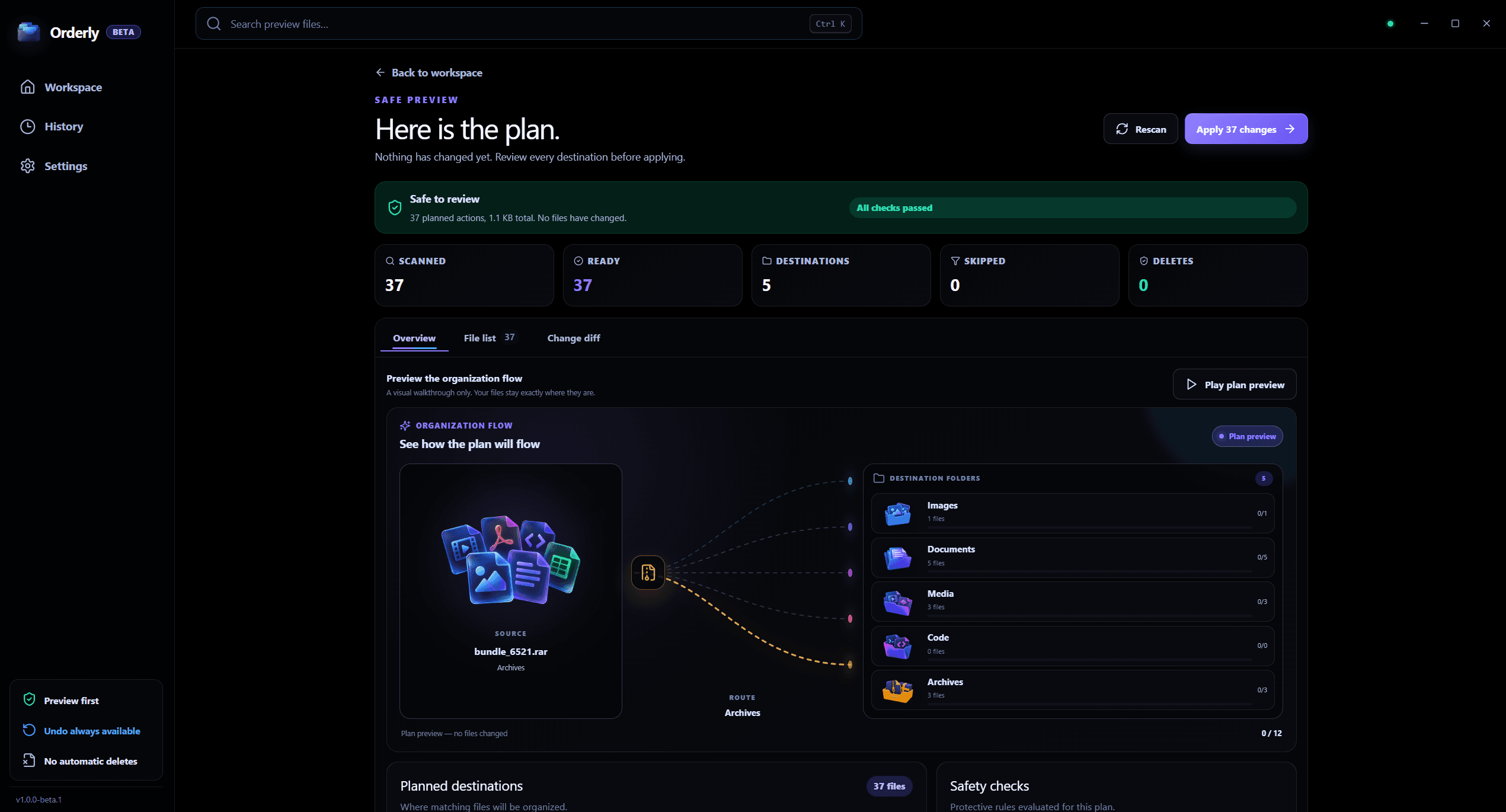
Orderly · Free Beta v1.0.0-beta.1
Works better together
Move between the released apps when a workflow needs more than one kind of file—without turning the suite into one overloaded product.
Who they are for
Build sticker collections, custom assets, and packs for optional Telegram or Discord delivery.
Convert, improve, compress, and automate image batches on a Windows PC.
Merge, compress, and build PDFs locally on desktop or Android.
Create a repeatable plan for a Windows folder, review proposed destinations, and check local History after a run.
Current releases